Skip to content

Apps

The apps are free. They connect to a Synara server you run yourself, so start there if you don't have one yet.

iPhone, iPad, Mac and more

Coming soon

Native apps for iPhone, iPad, Mac, Apple TV, Apple Watch and CarPlay are in the works.

  • iPhone
  • iPad
  • Mac
  • Apple TV
  • Apple Watch
  • CarPlay
Apple display Now playing
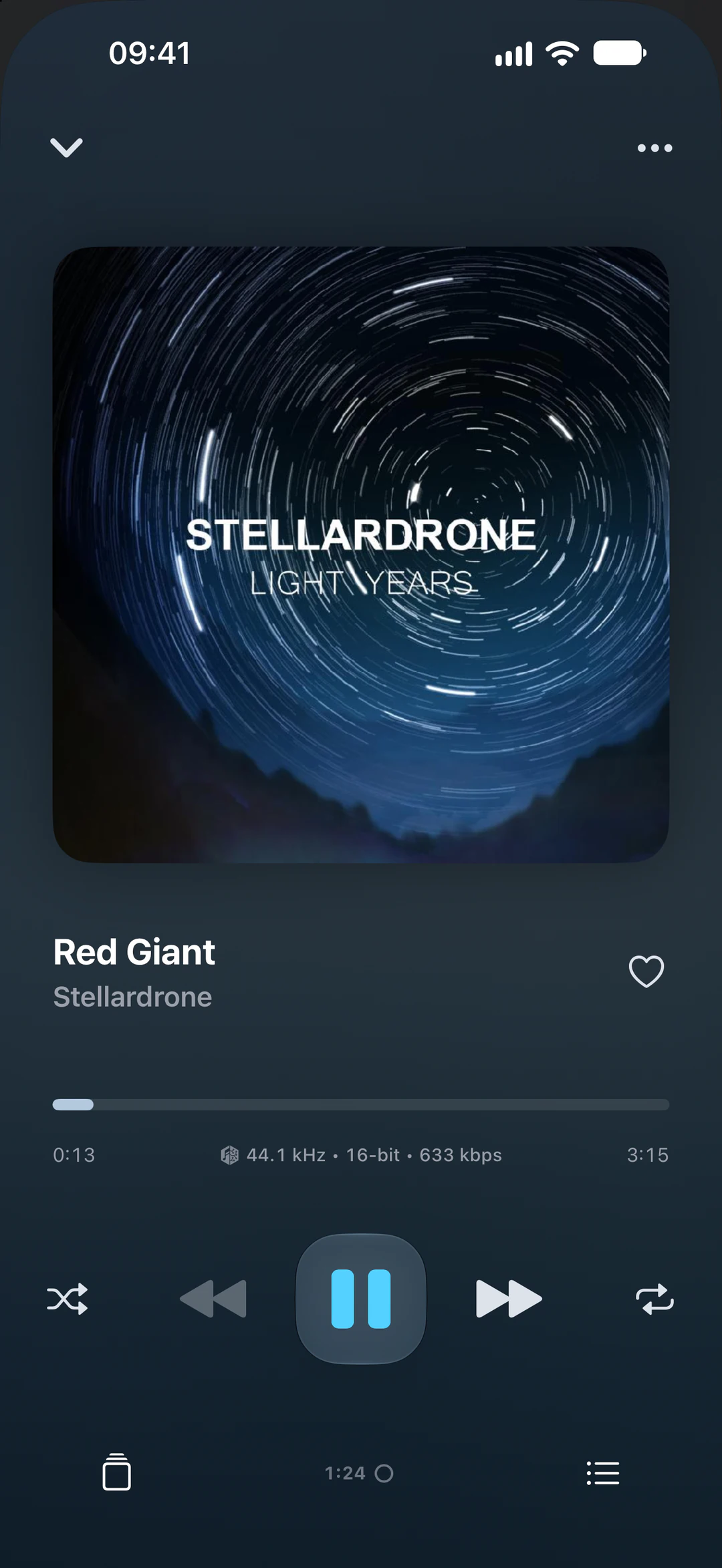
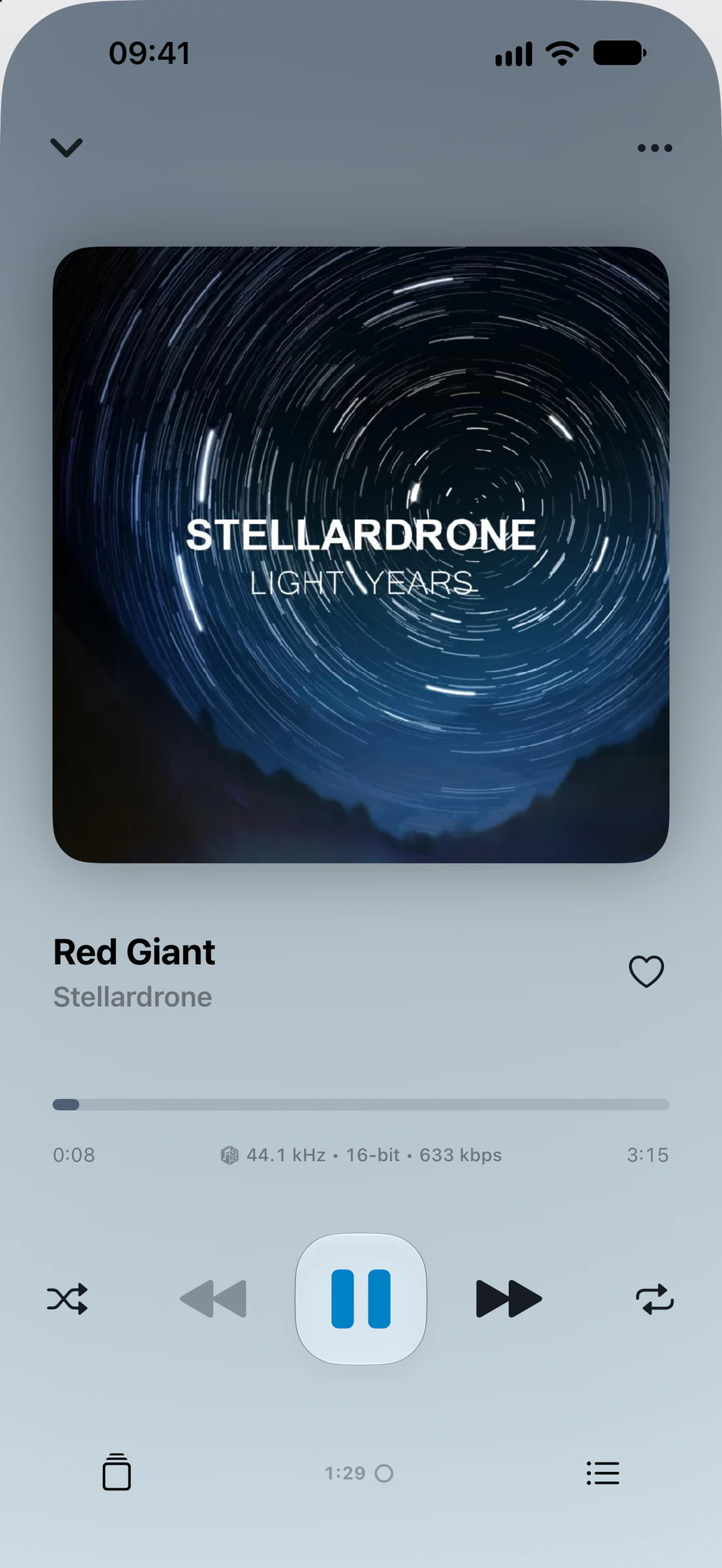
Synara on iPhone playing Red Giant by Stellardrone, with the Light Years cover
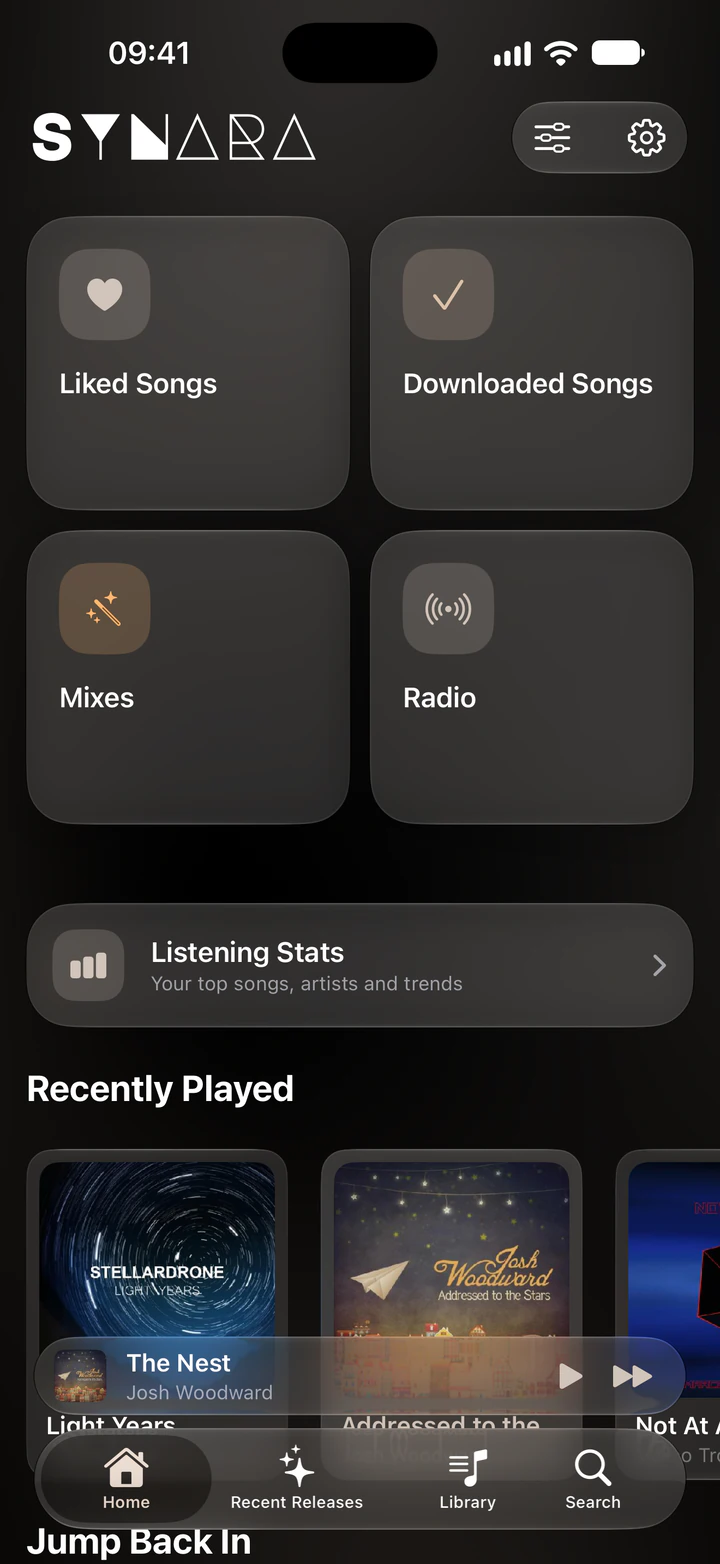
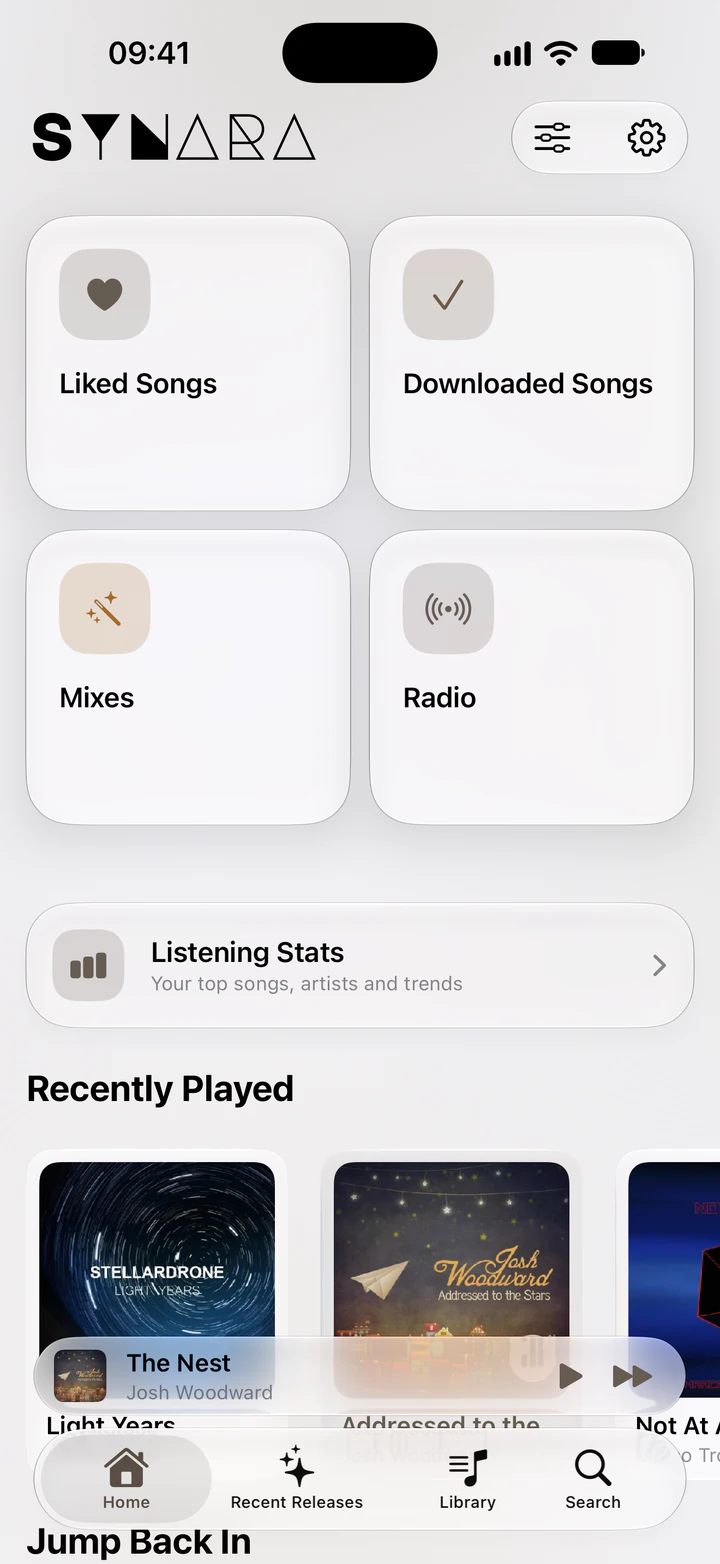
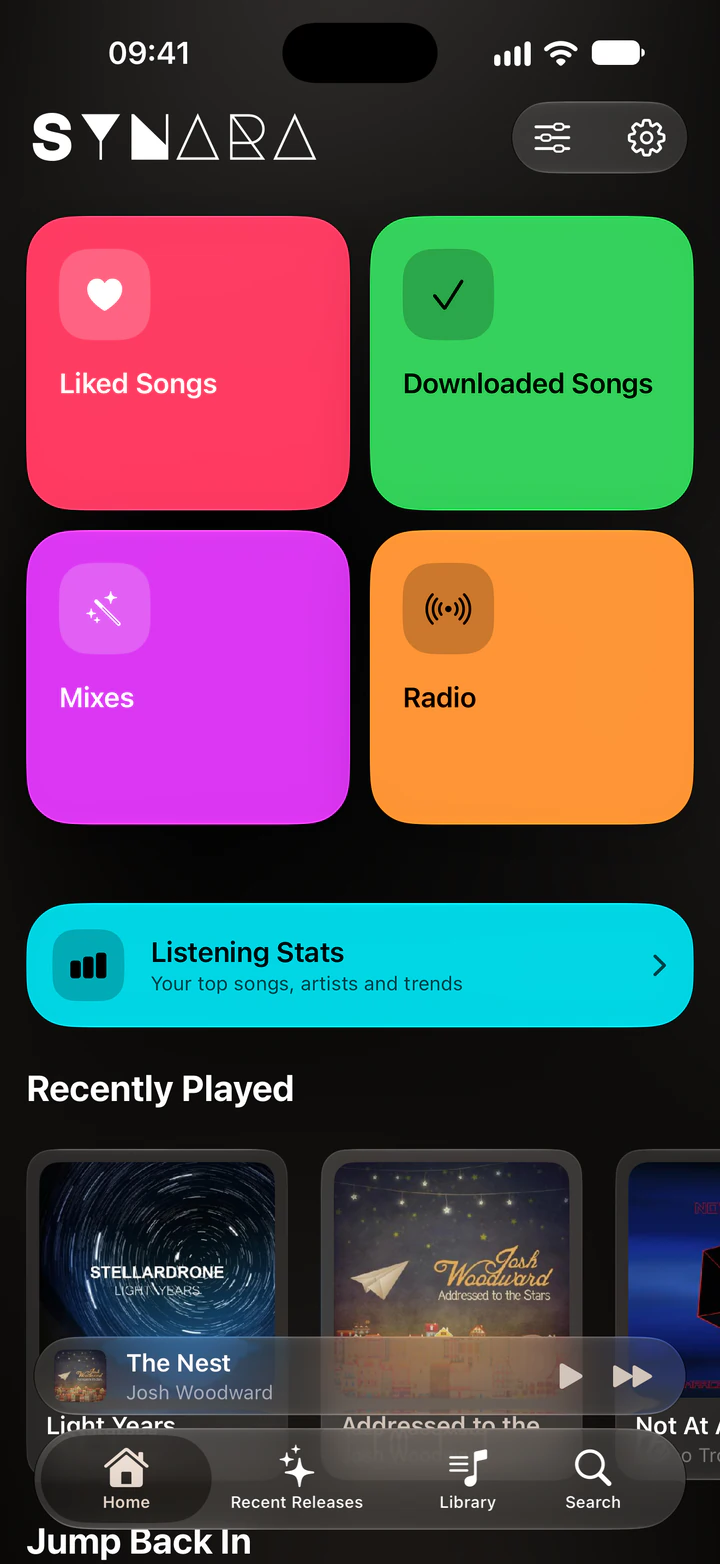
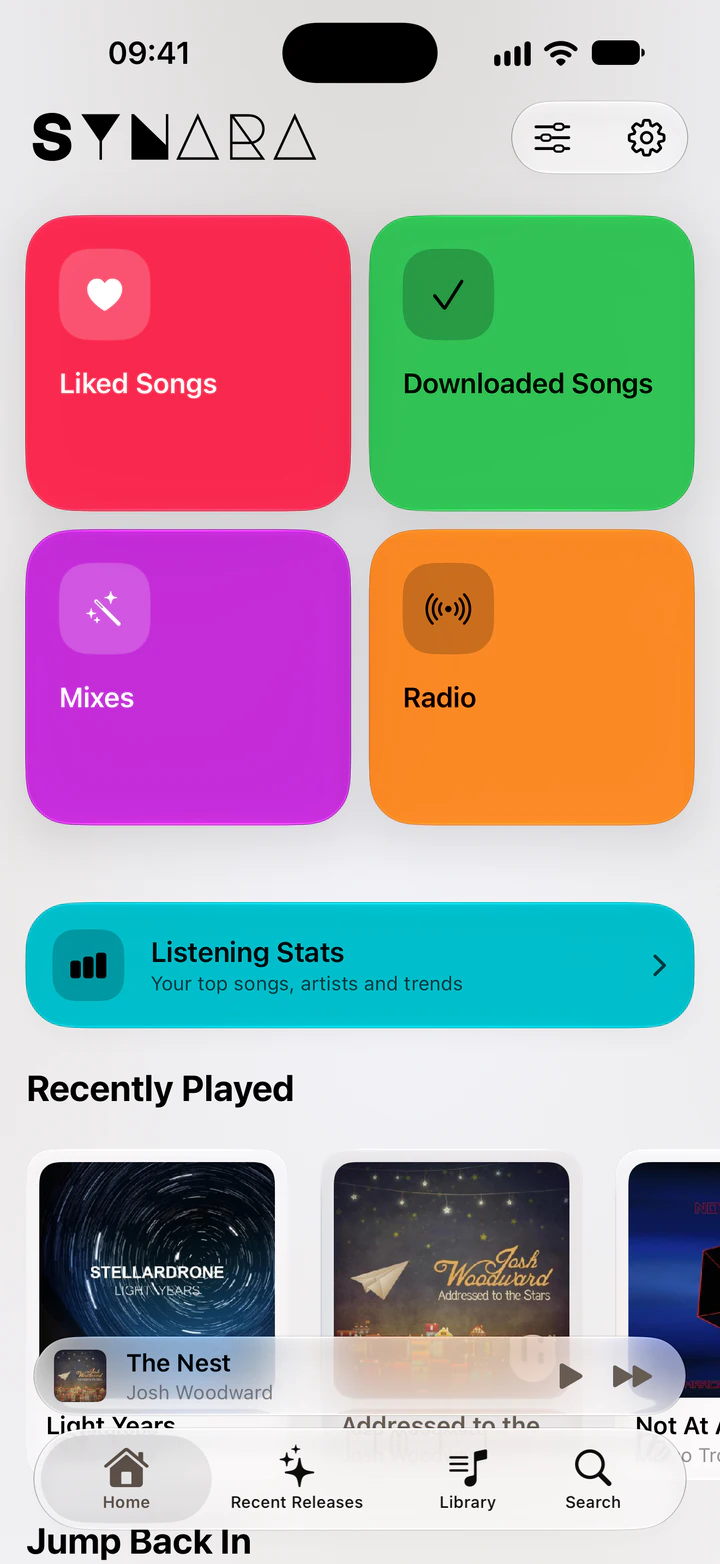
  • Colorful Home Cards A switch in Settings, under General, on iPhone and iPad.
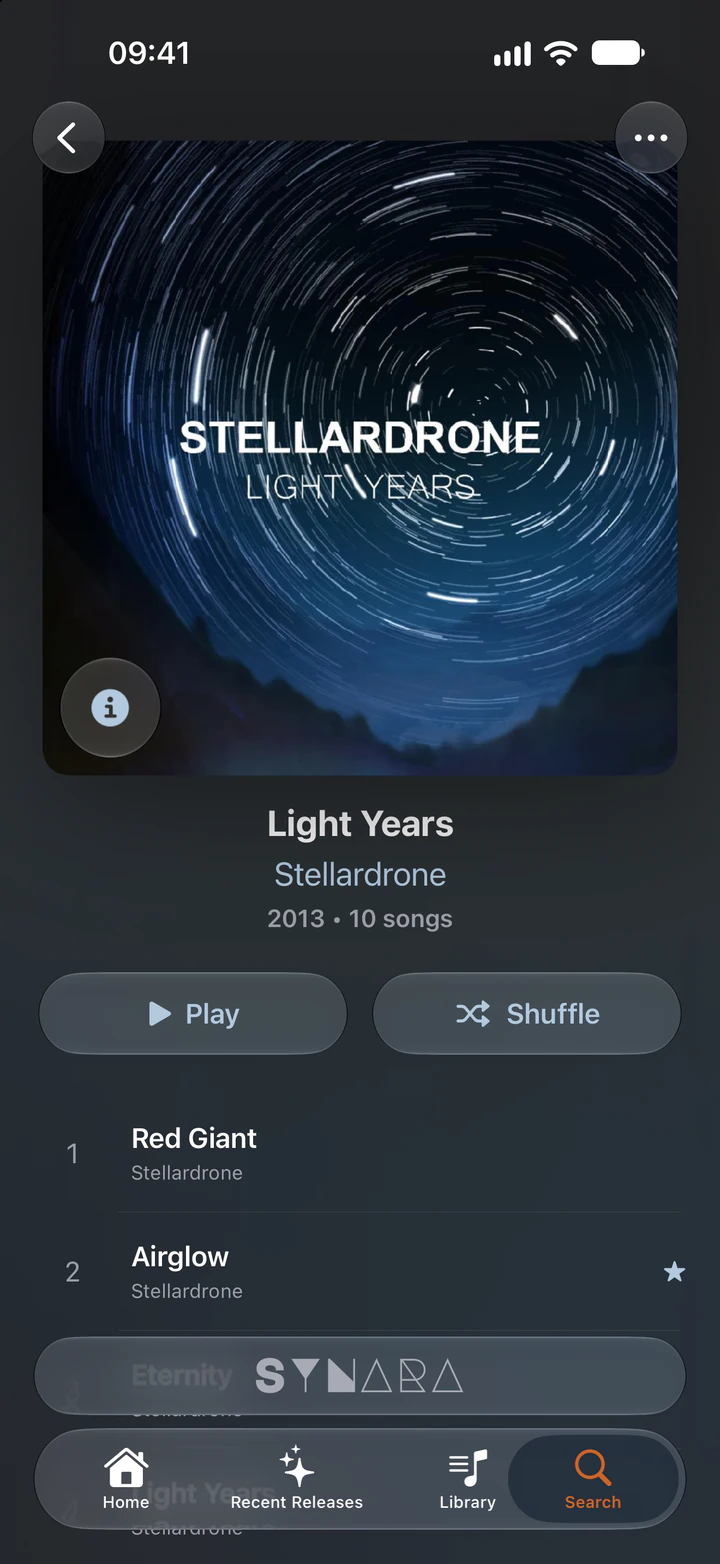
  • Album
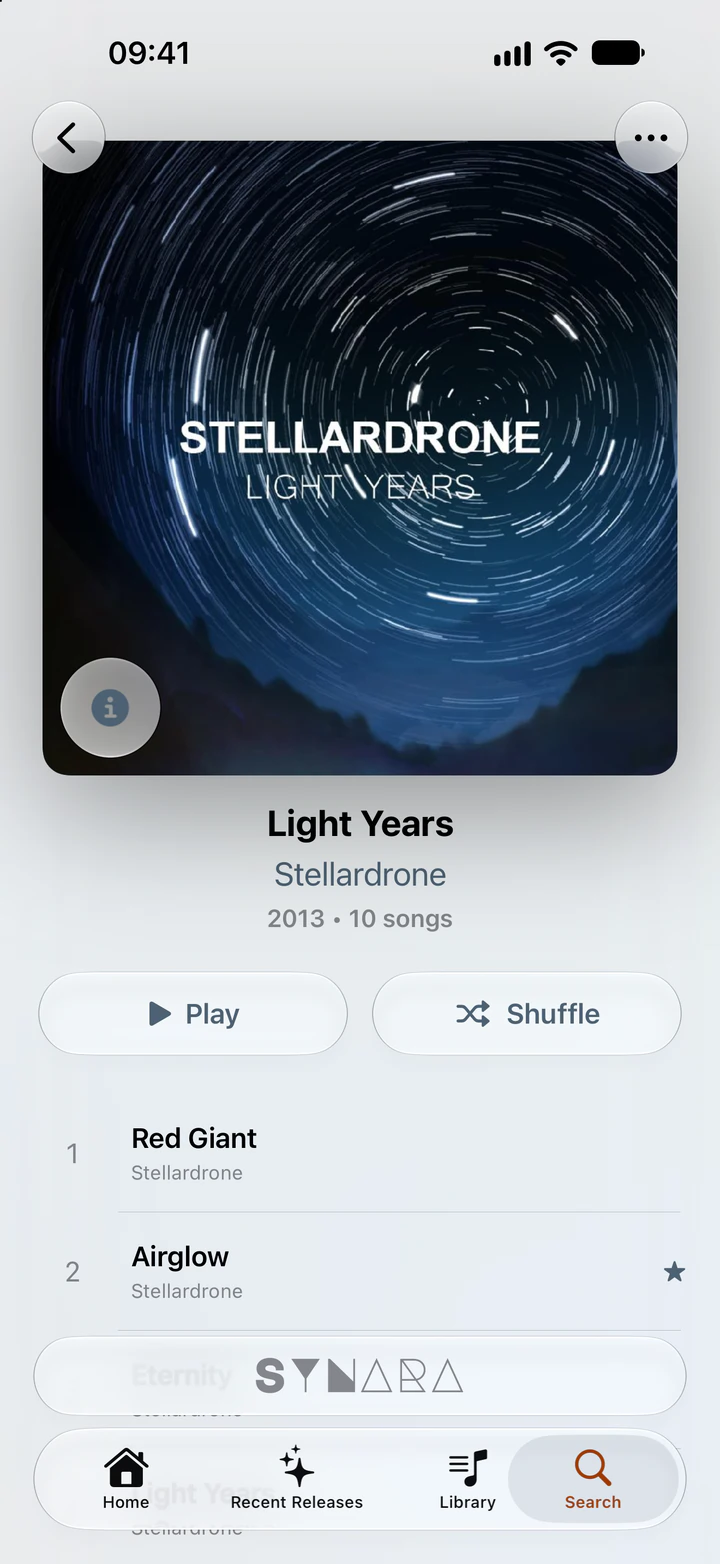
    The Light Years album by Stellardrone on iPhone, with Play and Shuffle buttons and the track list
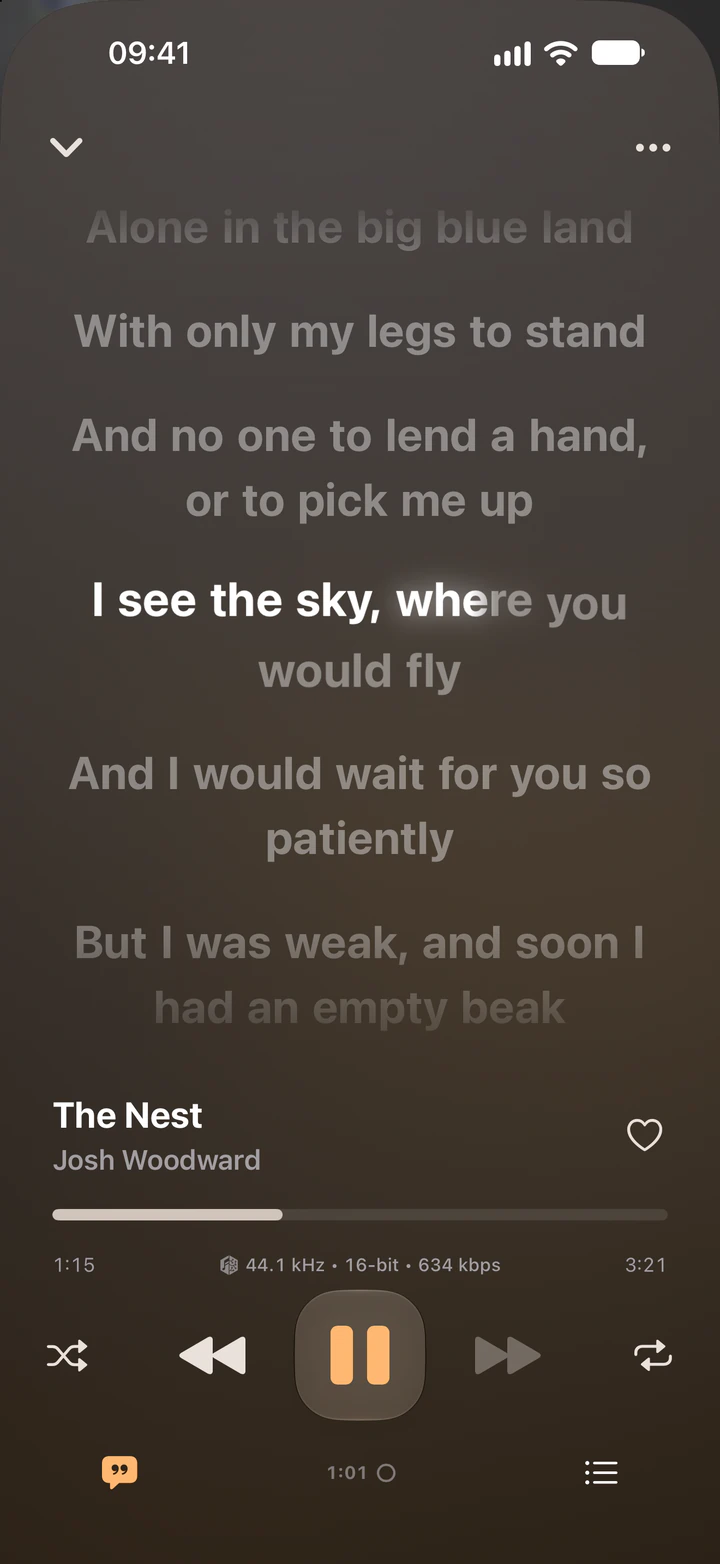
  • Synced lyrics
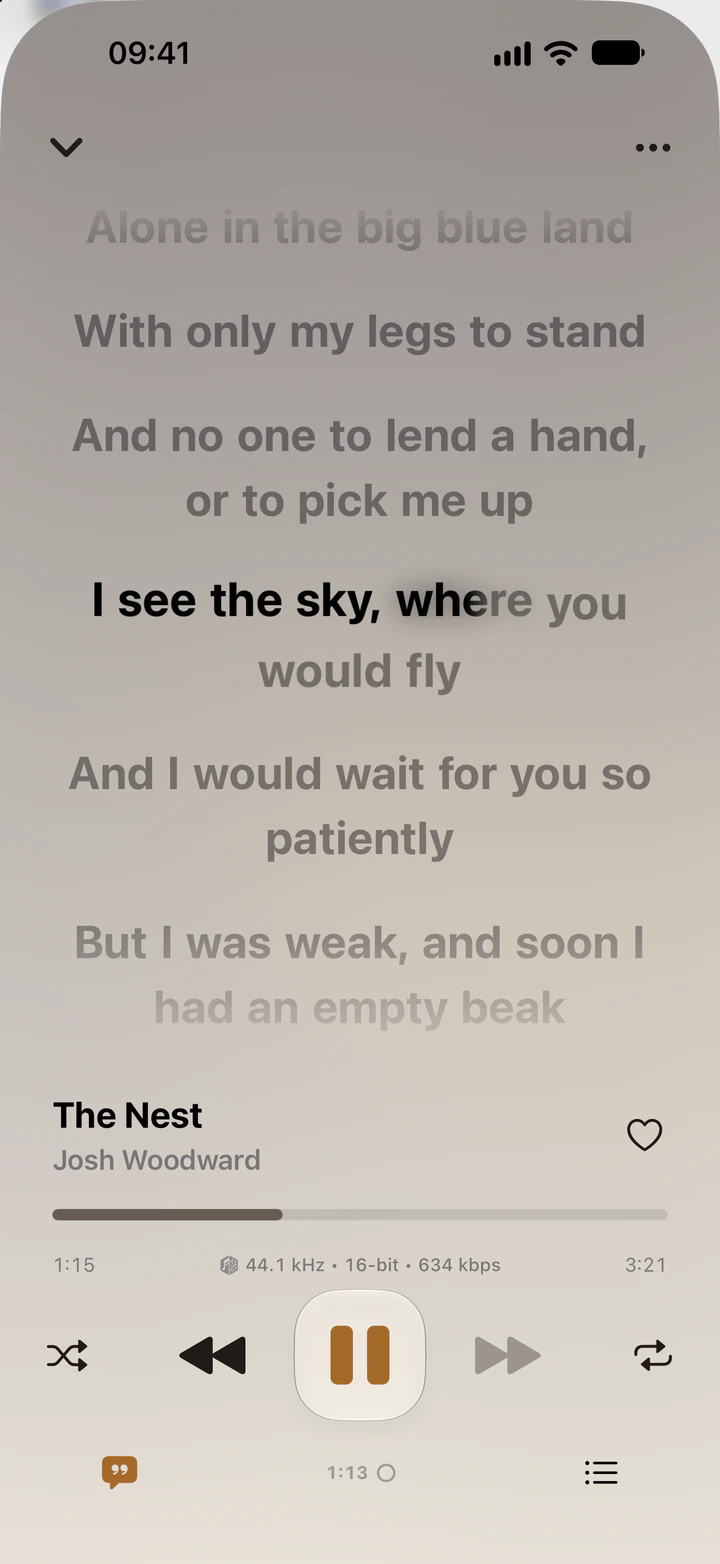
    Synced lyrics for The Nest by Josh Woodward on iPhone, with the current line highlighted
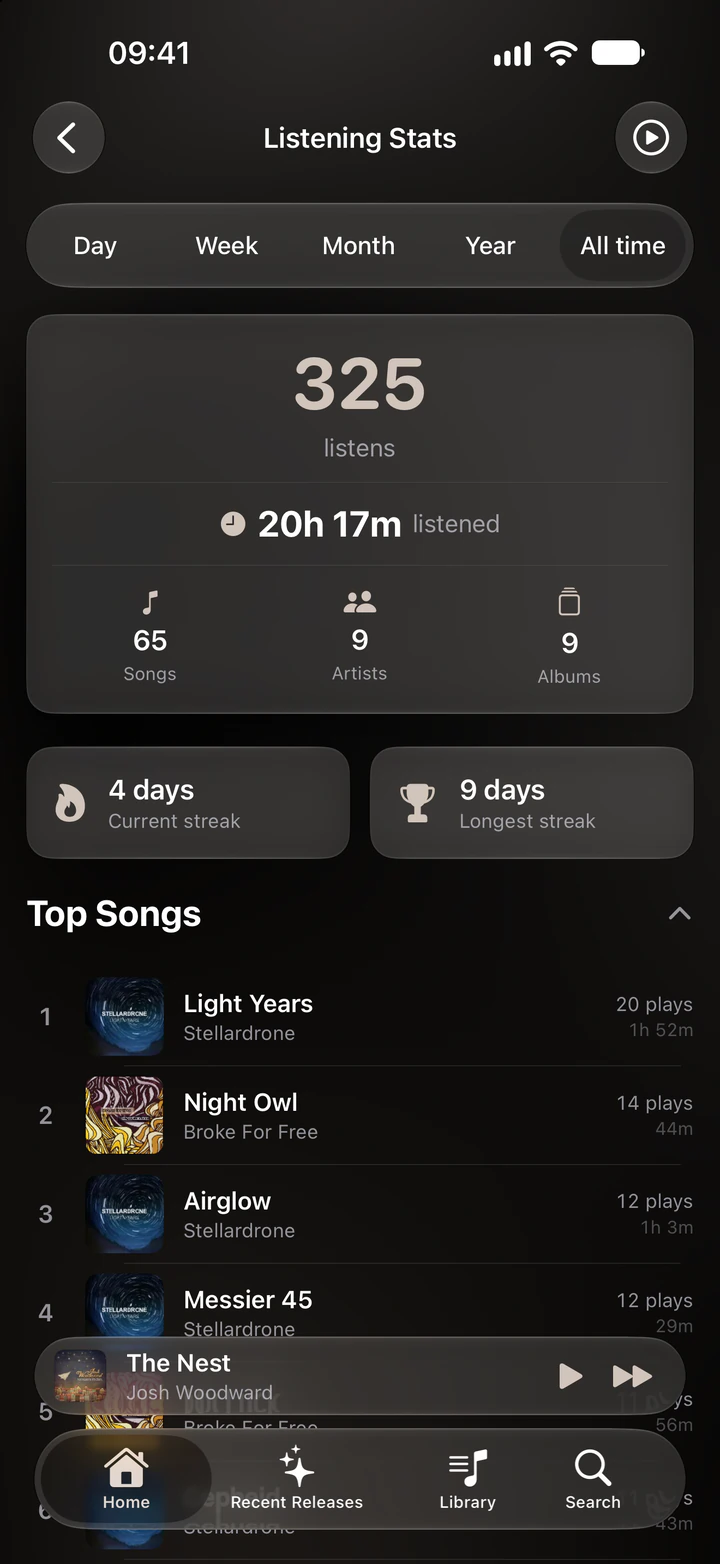
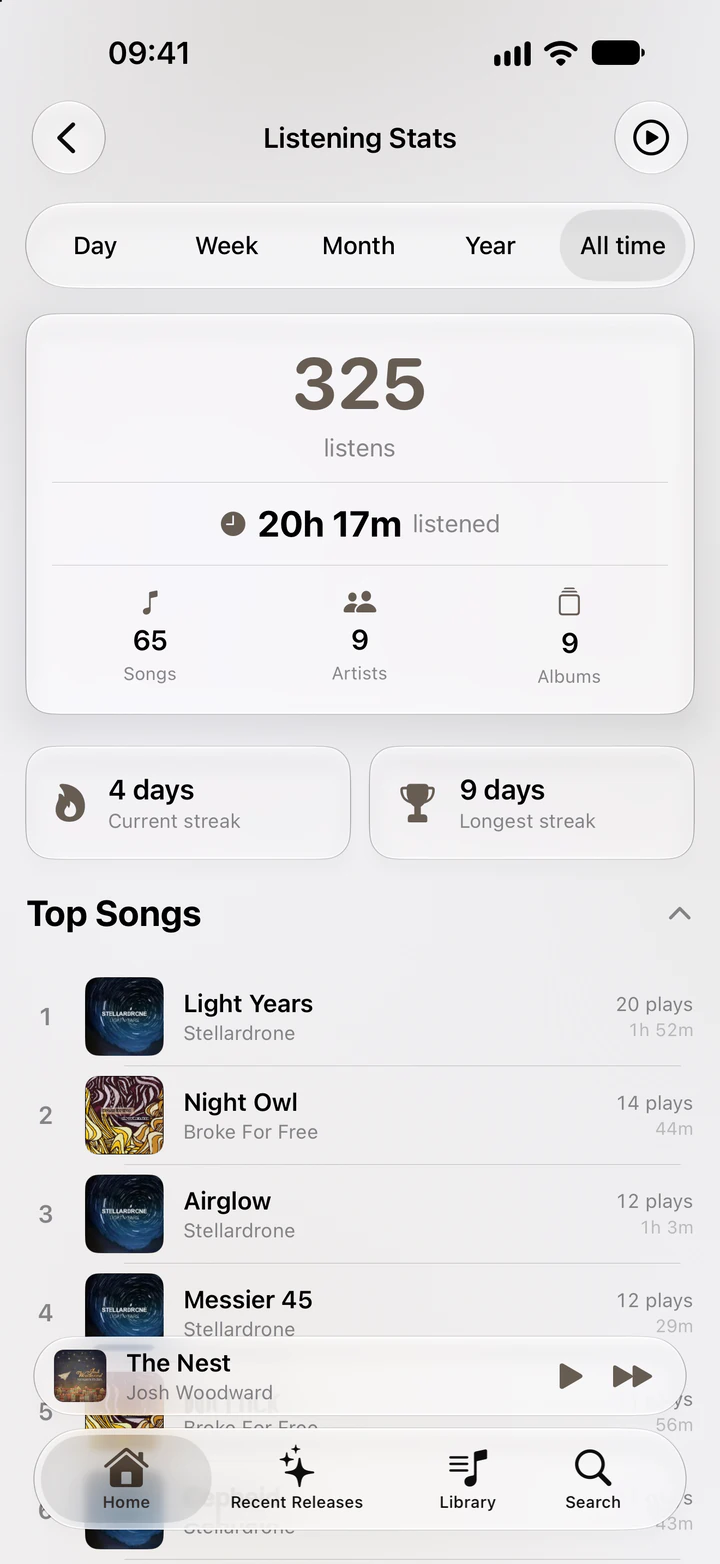
  • Listening stats
    Listening stats on iPhone for all time: listens, time listened, streaks and top songs

Connect, log in, listen

Open the app, enter your server's address and log in.

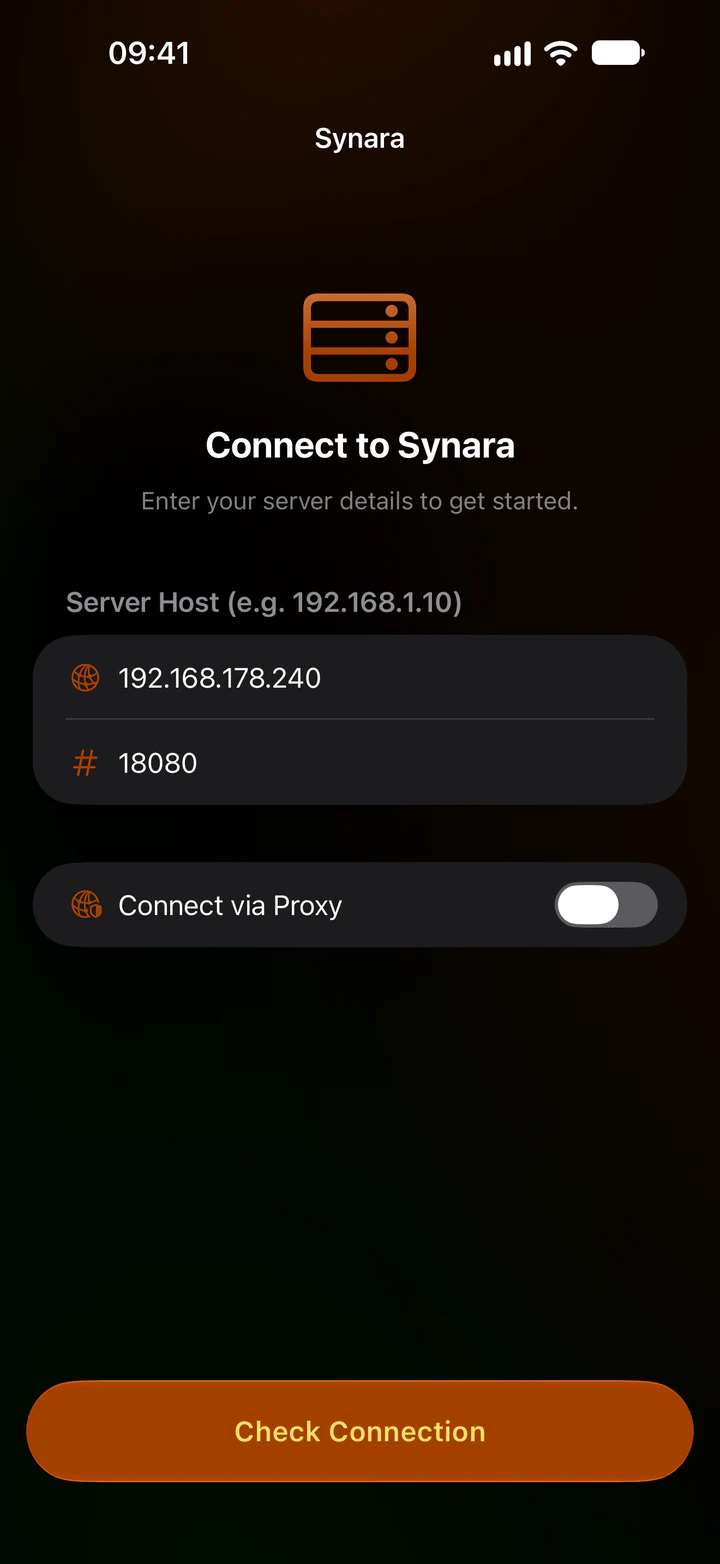
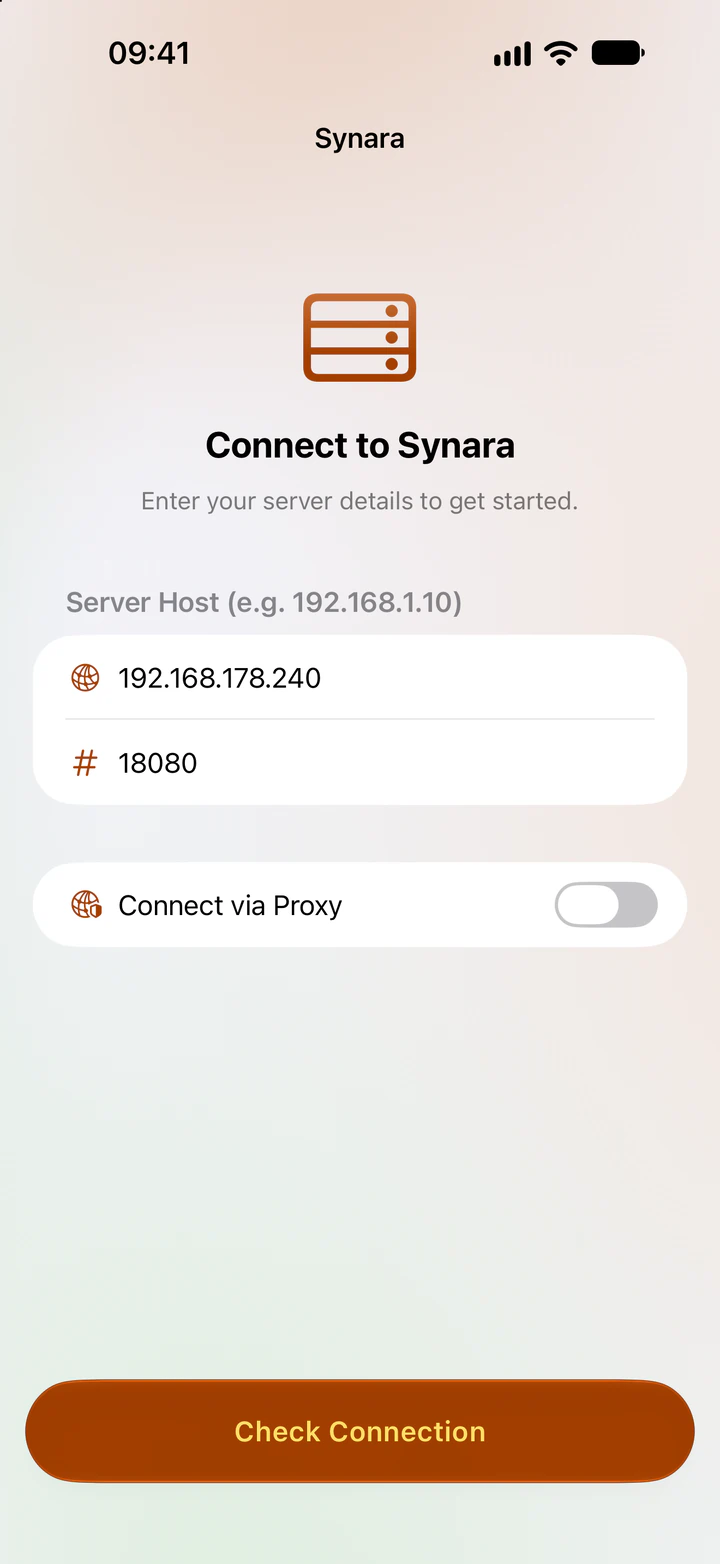
  1. 1Enter your server's address
    The Connect to Synara screen on iPhone with server host and port fields
  2. 2Log in
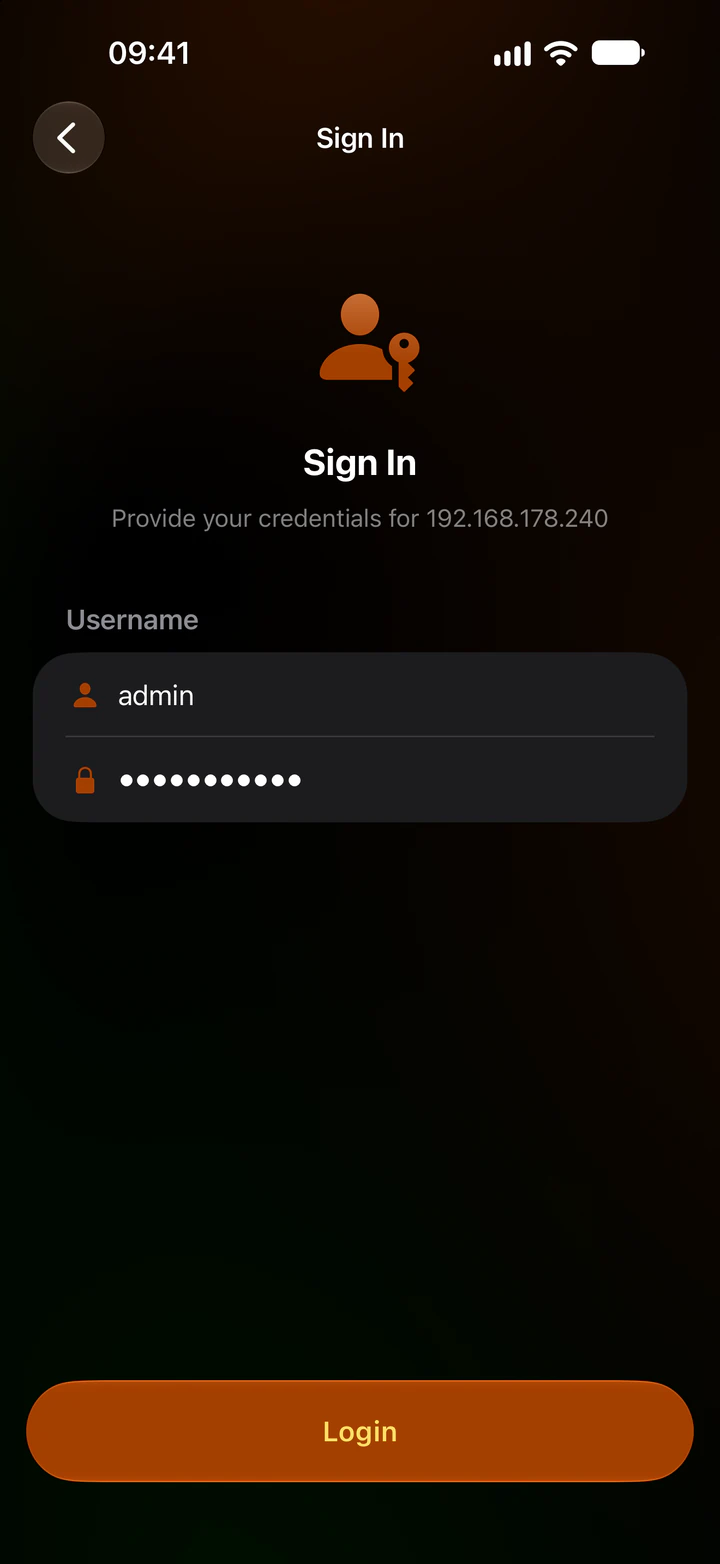
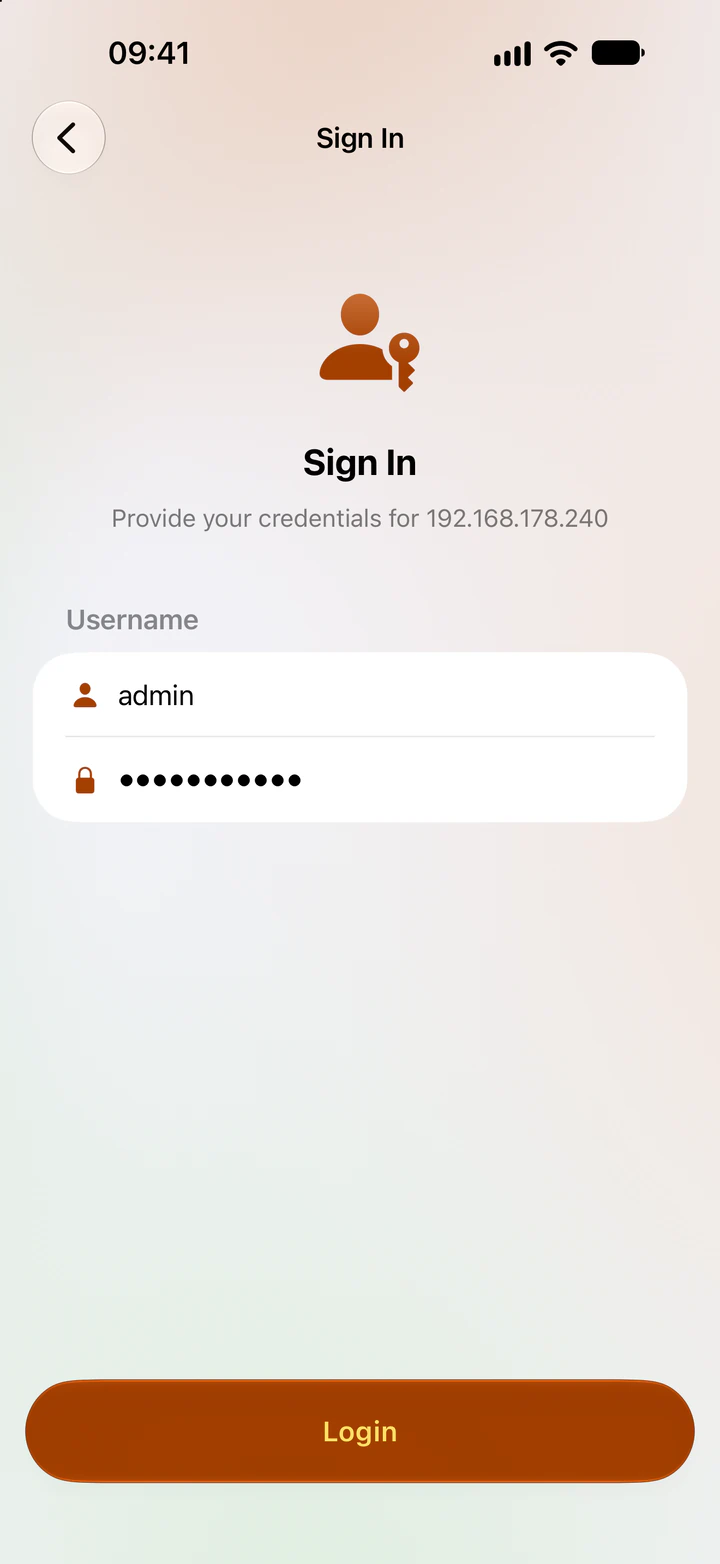
    The Sign In screen on iPhone with username and password fields
  3. 3Listen
    Synara on iPhone playing Red Giant by Stellardrone

After you log in

The app asks how this device should work with your others. You can change this any time in Settings.

  • Sync This Device

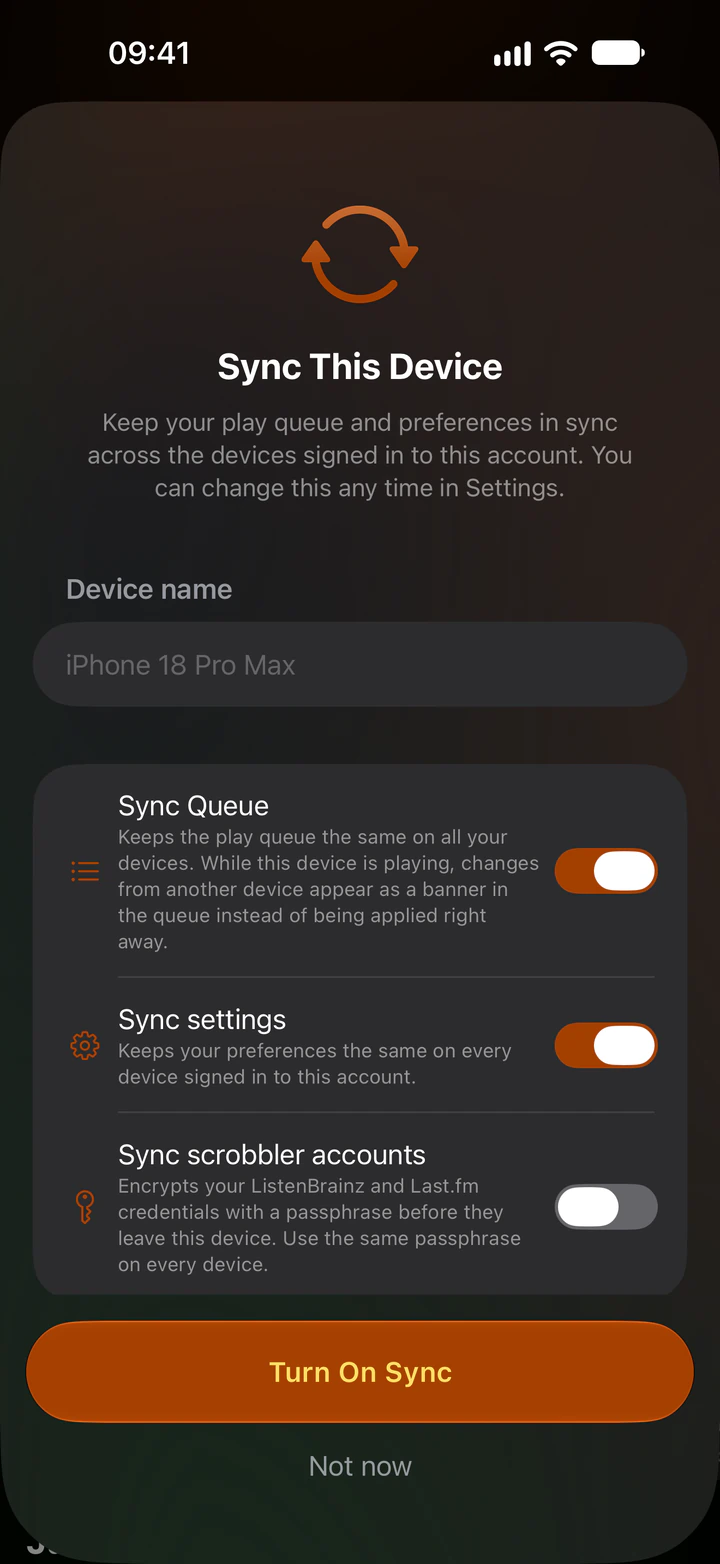
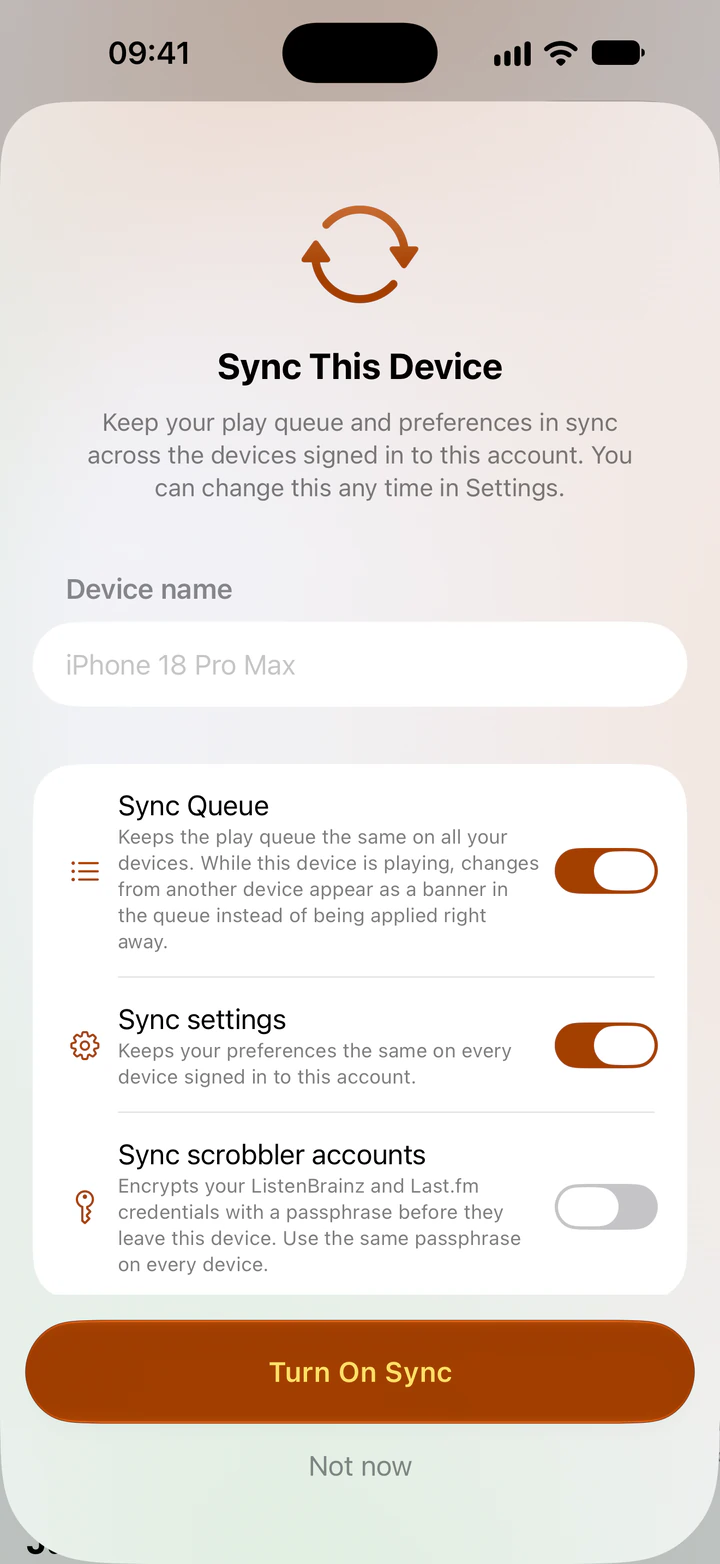
    The Sync This Device sheet on iPhone with switches for Sync Queue, Sync settings and Sync scrobbler accounts, and a Turn On Sync button
    • Sync Queue

      Keeps the play queue the same on all your devices. While a device is playing, changes from another device show up as a banner instead of being applied right away.

      • iPhone
      • iPad
      • Mac
      • Desktop
    • Sync settings

      Keeps your preferences the same on every device signed in to this account.

      • iPhone
      • iPad
      • Mac
      • Desktop
    • Sync scrobbler accounts

      Encrypts your ListenBrainz and Last.fm credentials with a passphrase before they leave the device. You use the same passphrase on every device.

      • iPhone
      • iPad
      • Mac
      • Desktop
  • Remote control

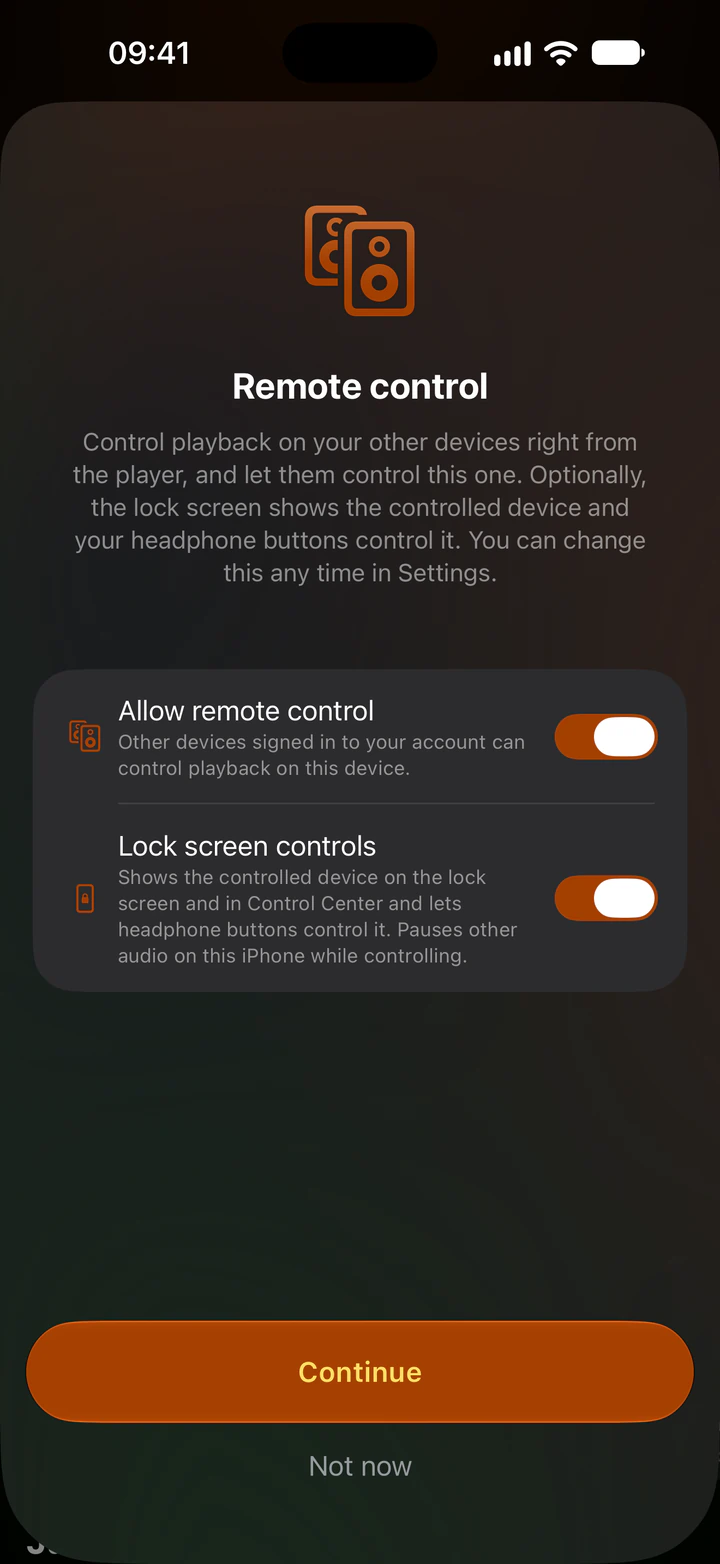
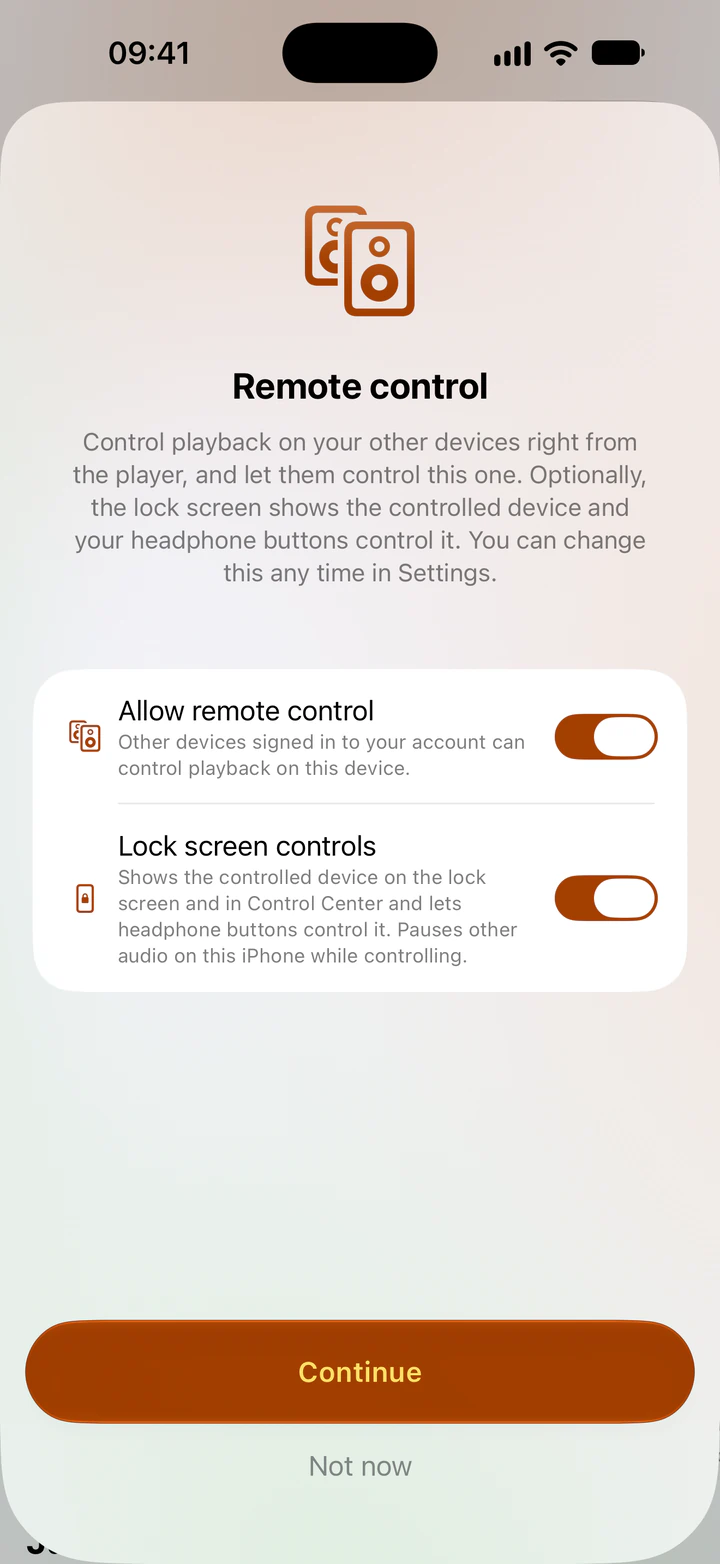
    The Remote control sheet on iPhone with switches for Allow remote control and Lock screen controls, and a Continue button
    • Allow remote control

      Other devices signed in to your account can control playback on this device.

      Can be controlled
      • iPhone
      • iPad
      • Mac
      • Apple TV
      • Android
      • Desktop
      Controls other devices
      • iPhone
      • iPad
      • Mac
      • Apple Watch
      • Desktop
    • Lock screen controls

      The lock screen, Control Center and your headphone buttons show and control the device you're controlling. On the Mac this is called Media controls. On desktop the system media controls do the same (MPRIS on Linux, the Windows media controls, Now Playing on macOS).

      • iPhone
      • iPad
      • Mac
      • Desktop
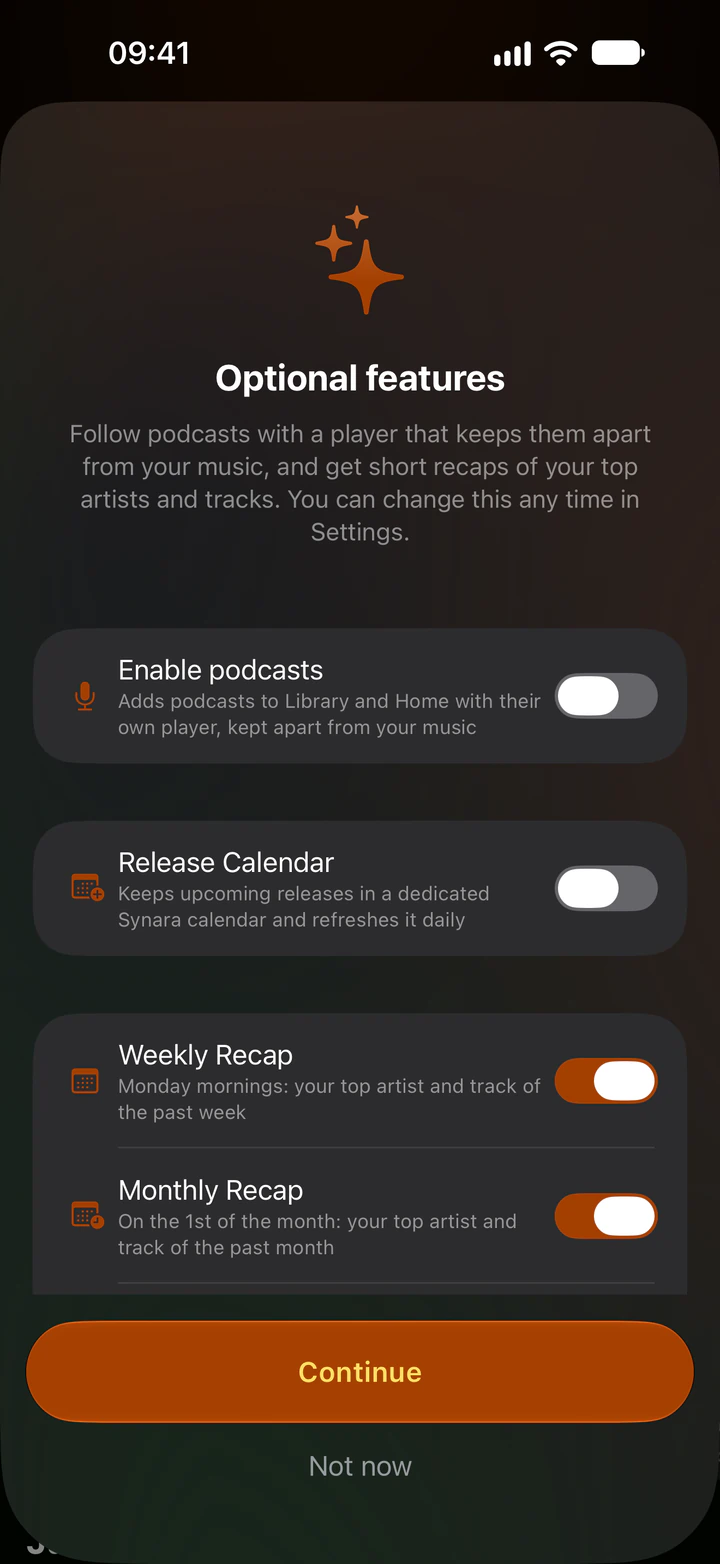
  • Optional features

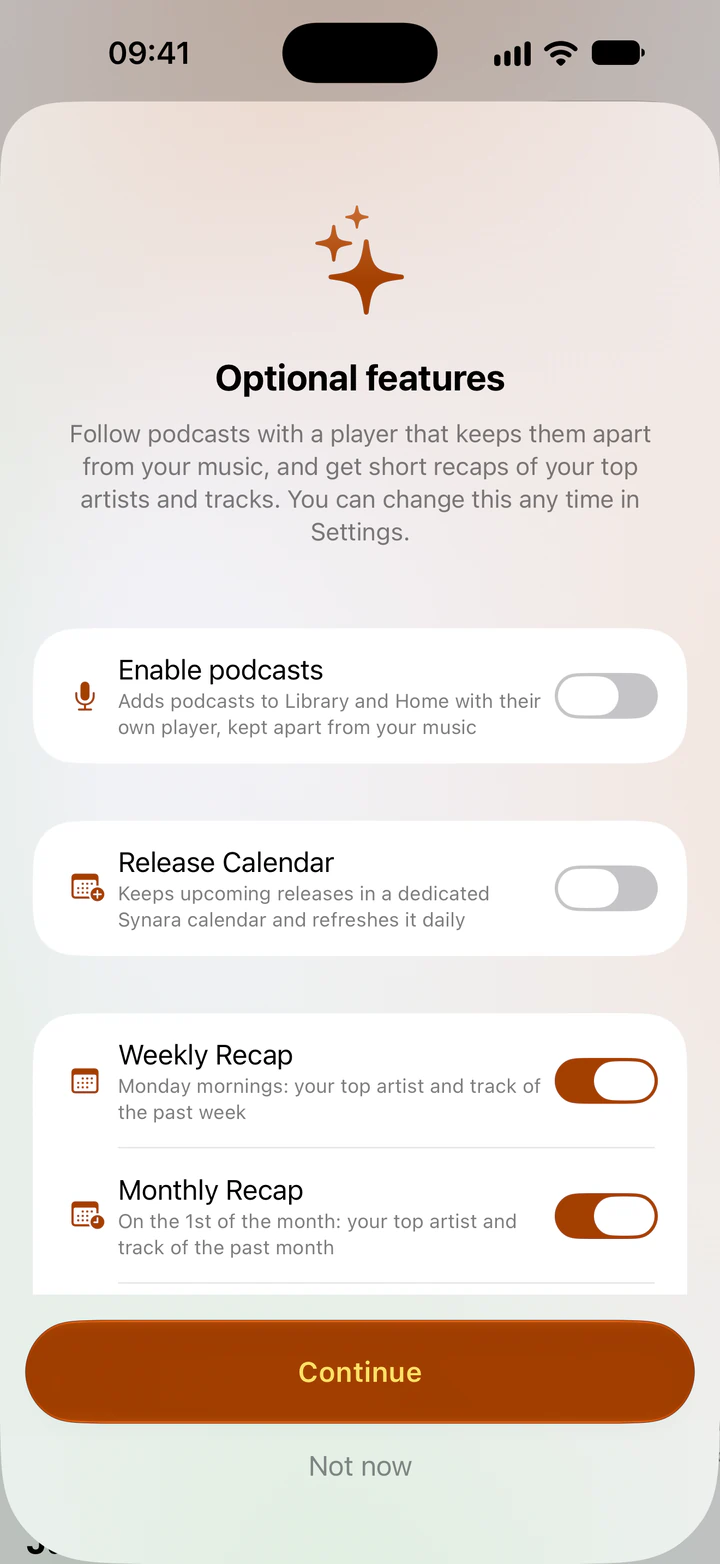
    The Optional features sheet on iPhone with switches for podcasts, Release Calendar, Weekly Recap and Monthly Recap, and a Continue button
    • Podcasts

      Adds podcasts to Library and Home with their own player, kept apart from your music.

      • iPhone
      • iPad
      • Mac
      • Apple Watch
      • Android
      • Desktop
    • Release Calendar

      Keeps upcoming releases in a dedicated Synara calendar and refreshes it daily.

      • iPhone
      • iPad
      • Mac
    • Weekly and Monthly Recap

      Your top artist and track of the past week on Monday mornings, and of the past month on the 1st.

      • iPhone
      • iPad
      • Android
  • Home Screen widget
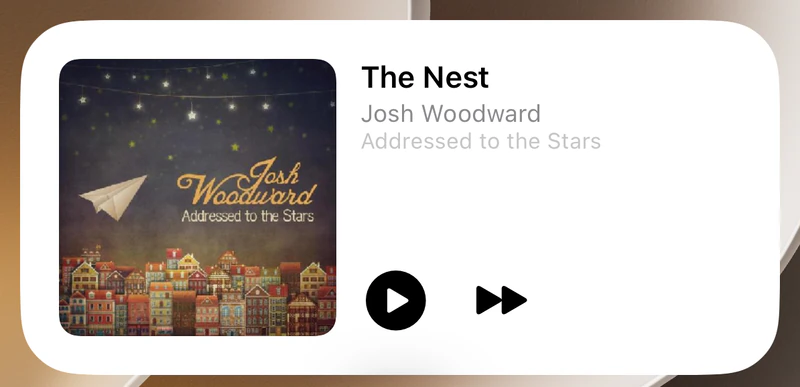
    The Synara Home Screen widget on iPhone showing The Nest by Josh Woodward, with play and skip buttons
  • Apple Watch
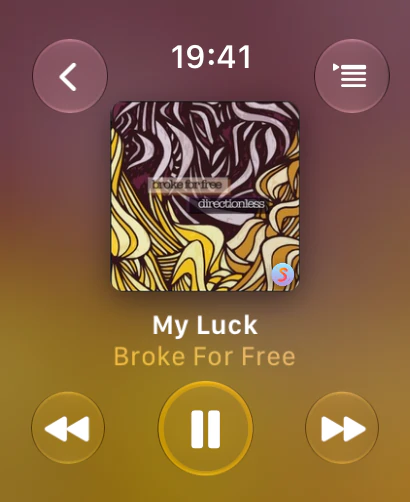
    Synara on Apple Watch playing My Luck by Broke For Free

Synara for Android

Android 12 and newer. Offline downloads, a home screen player widget and a sleep timer.

  • Android 12 and newer
DownloadAndroid
Android display Now playing
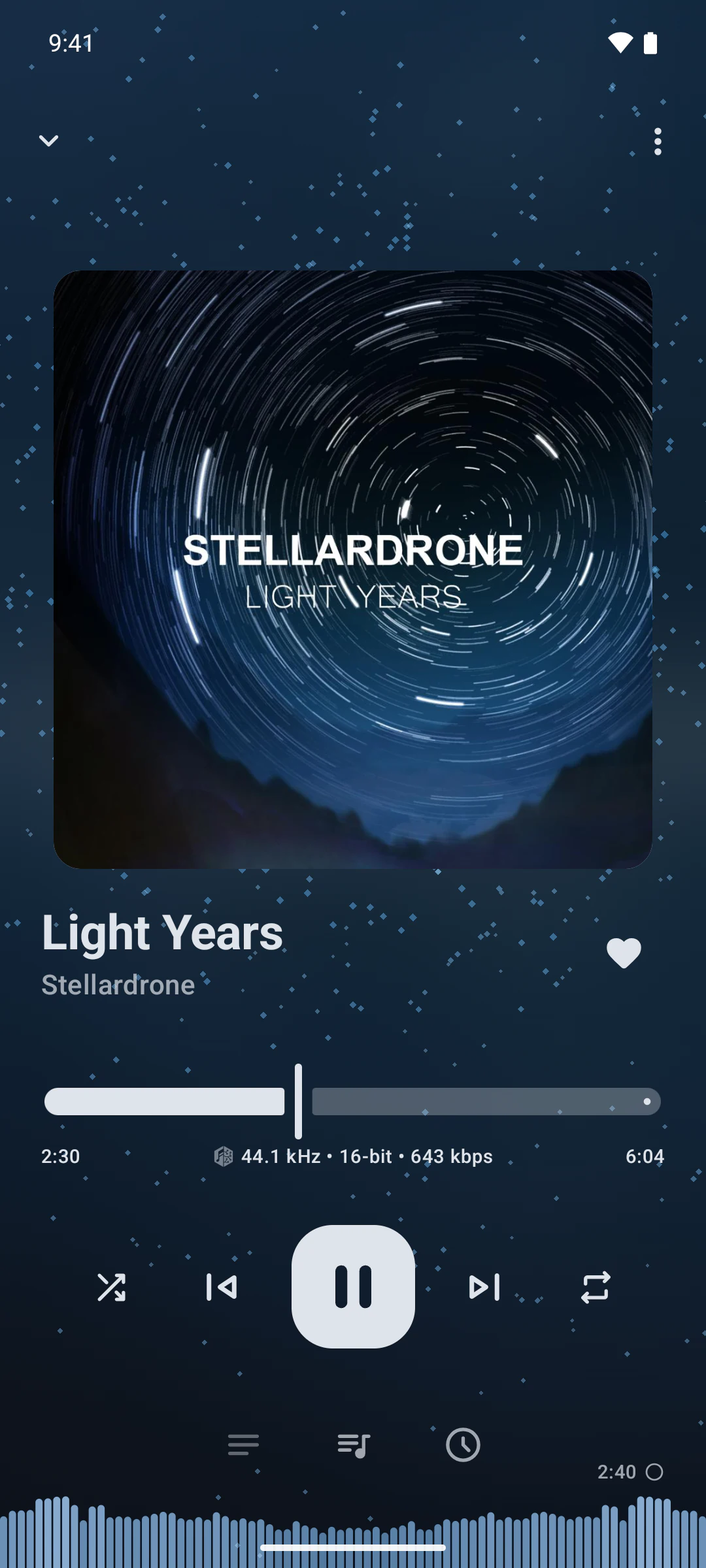
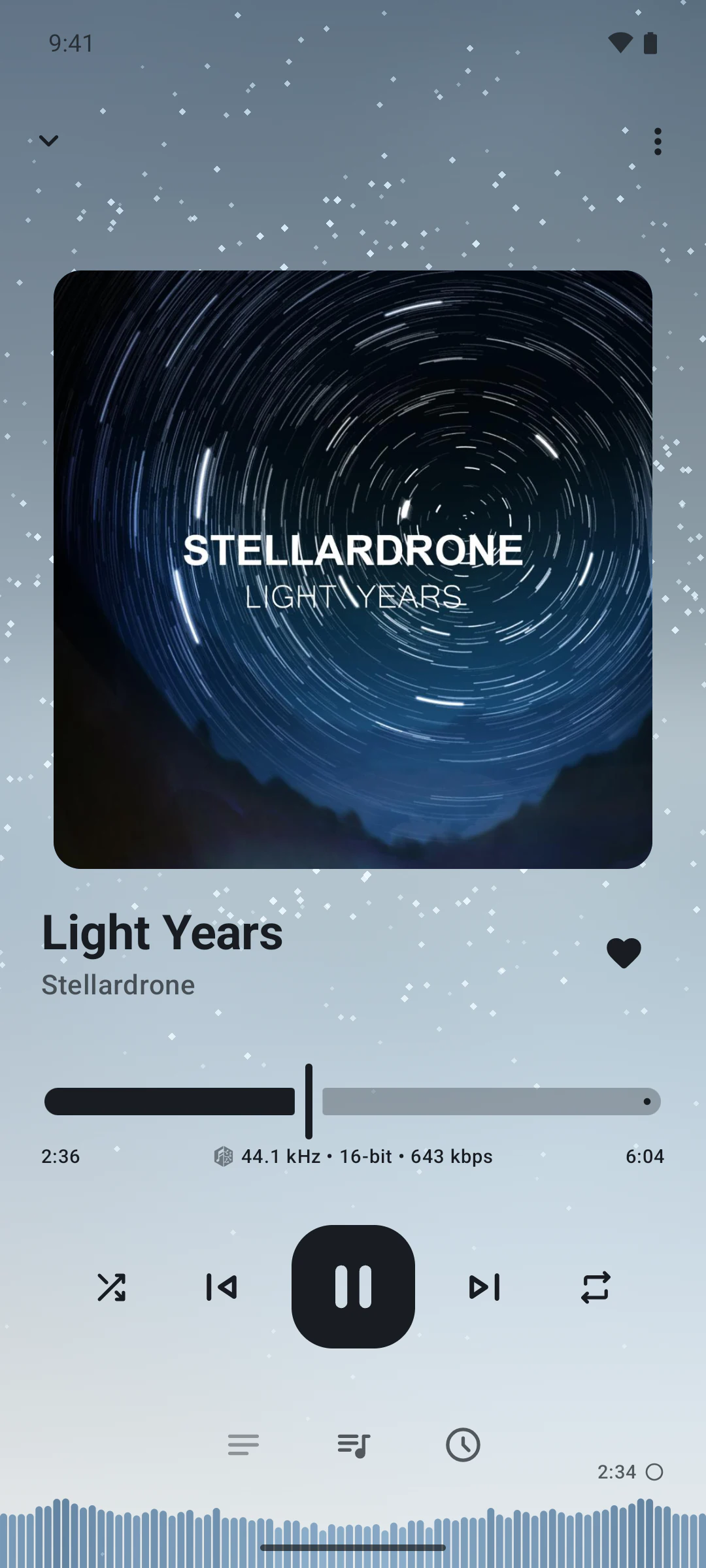
Synara on Android playing Light Years by Stellardrone
  • Home
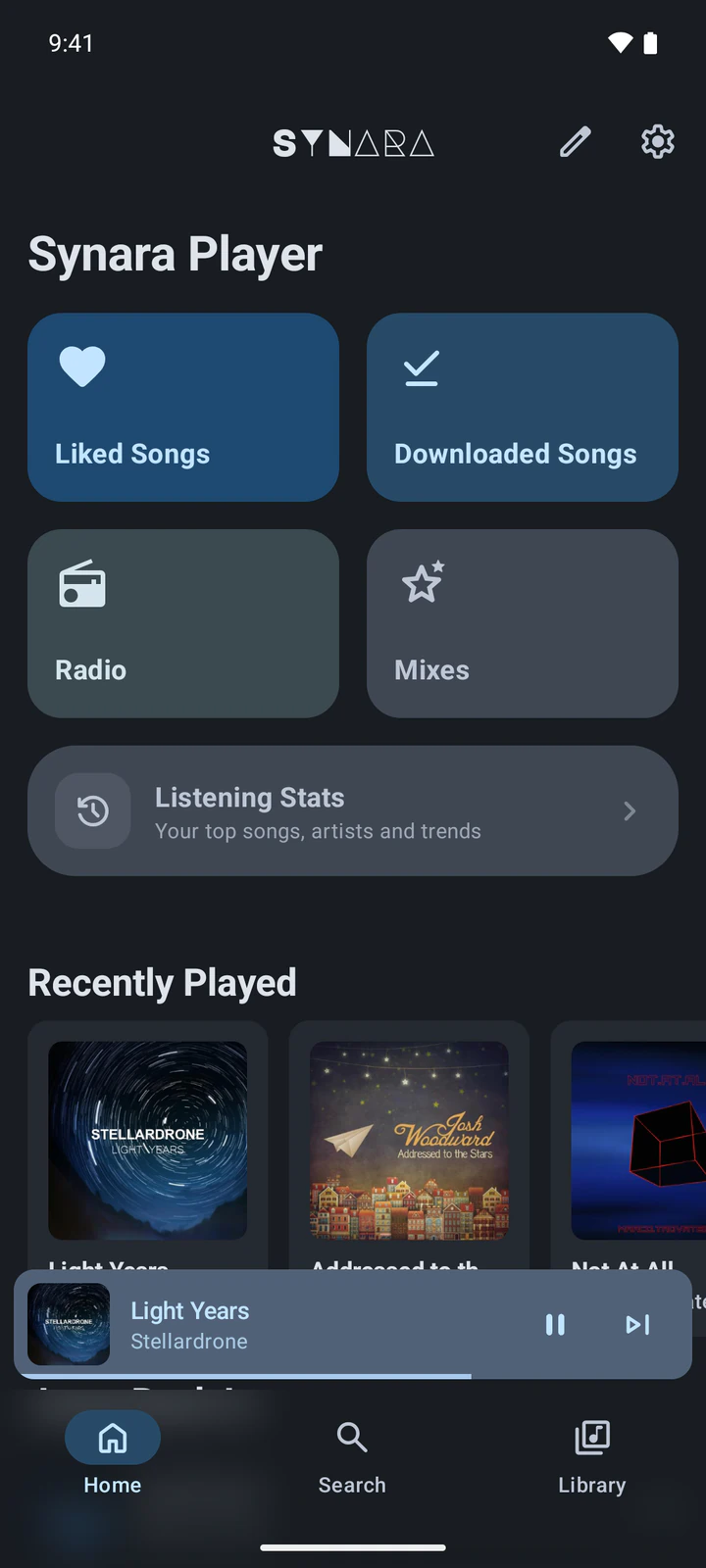
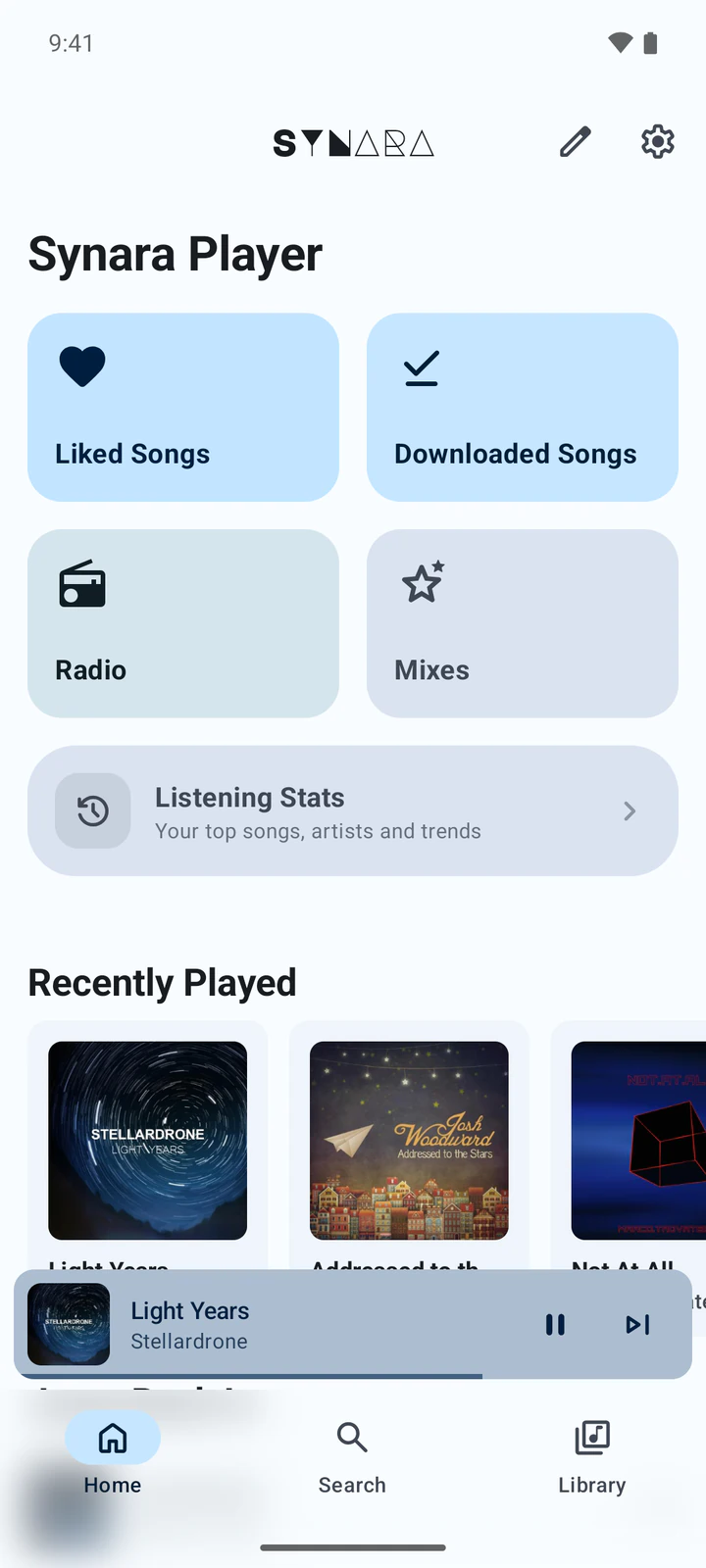
    The Android home screen of Synara with Liked Songs, Downloaded Songs, Radio, Mixes, Listening Stats and recently played albums
  • Album
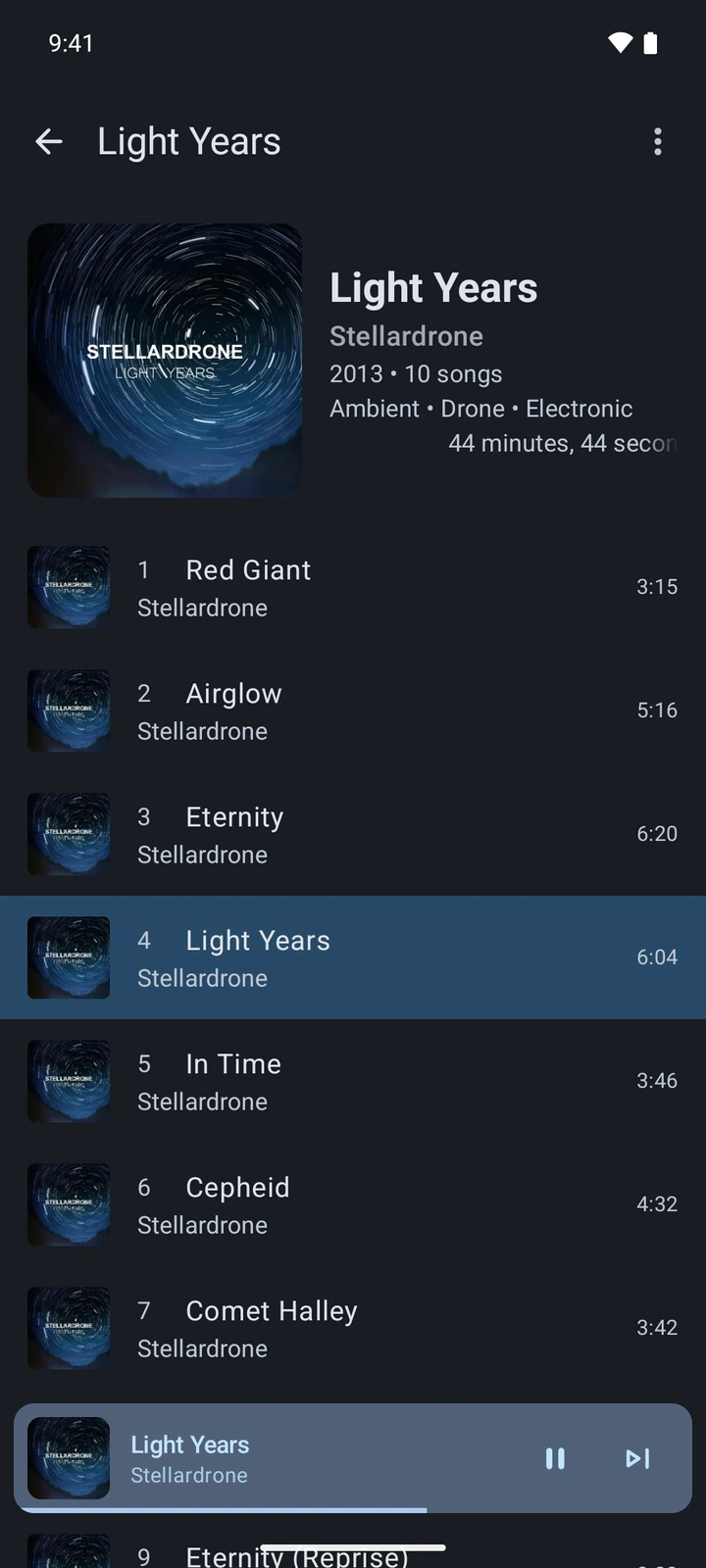
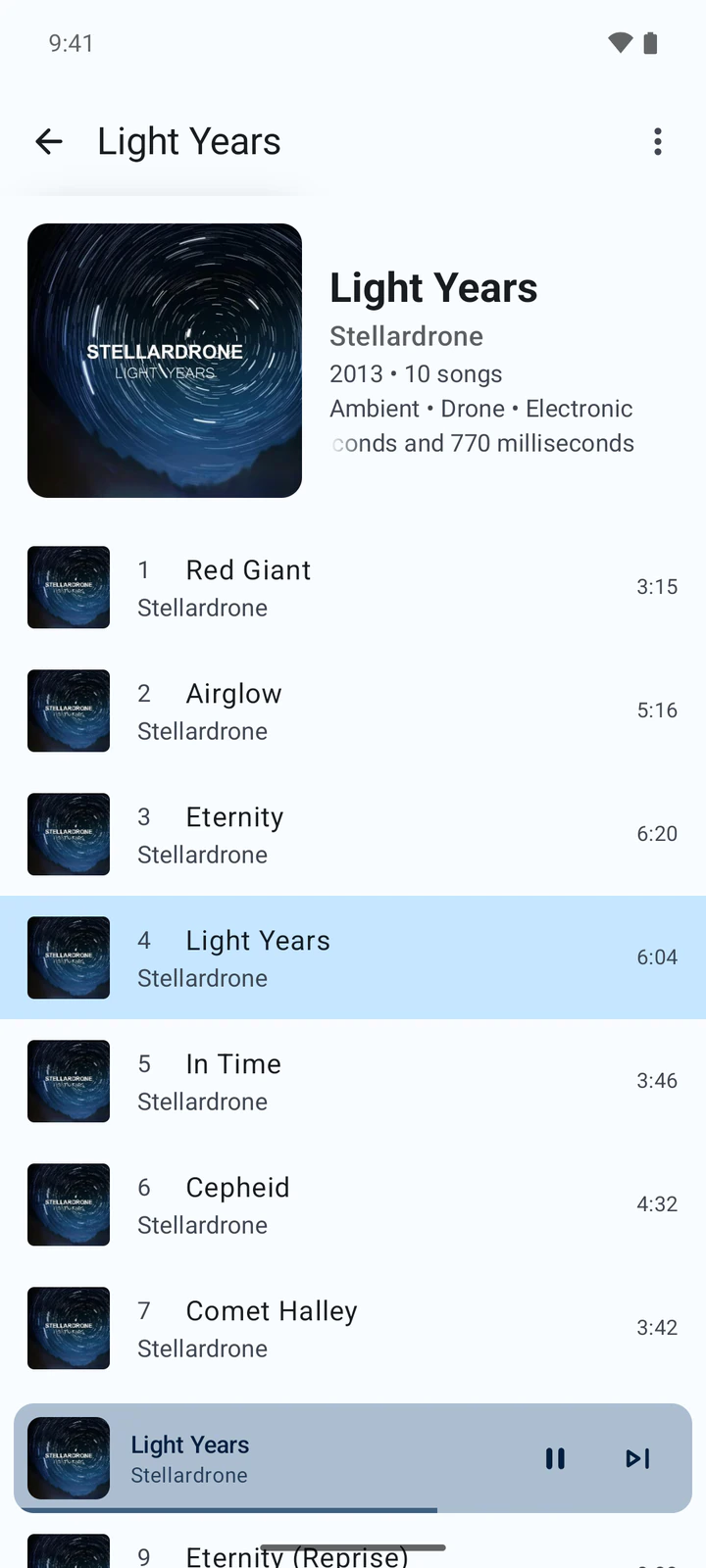
    The Light Years album by Stellardrone on Android with its track list
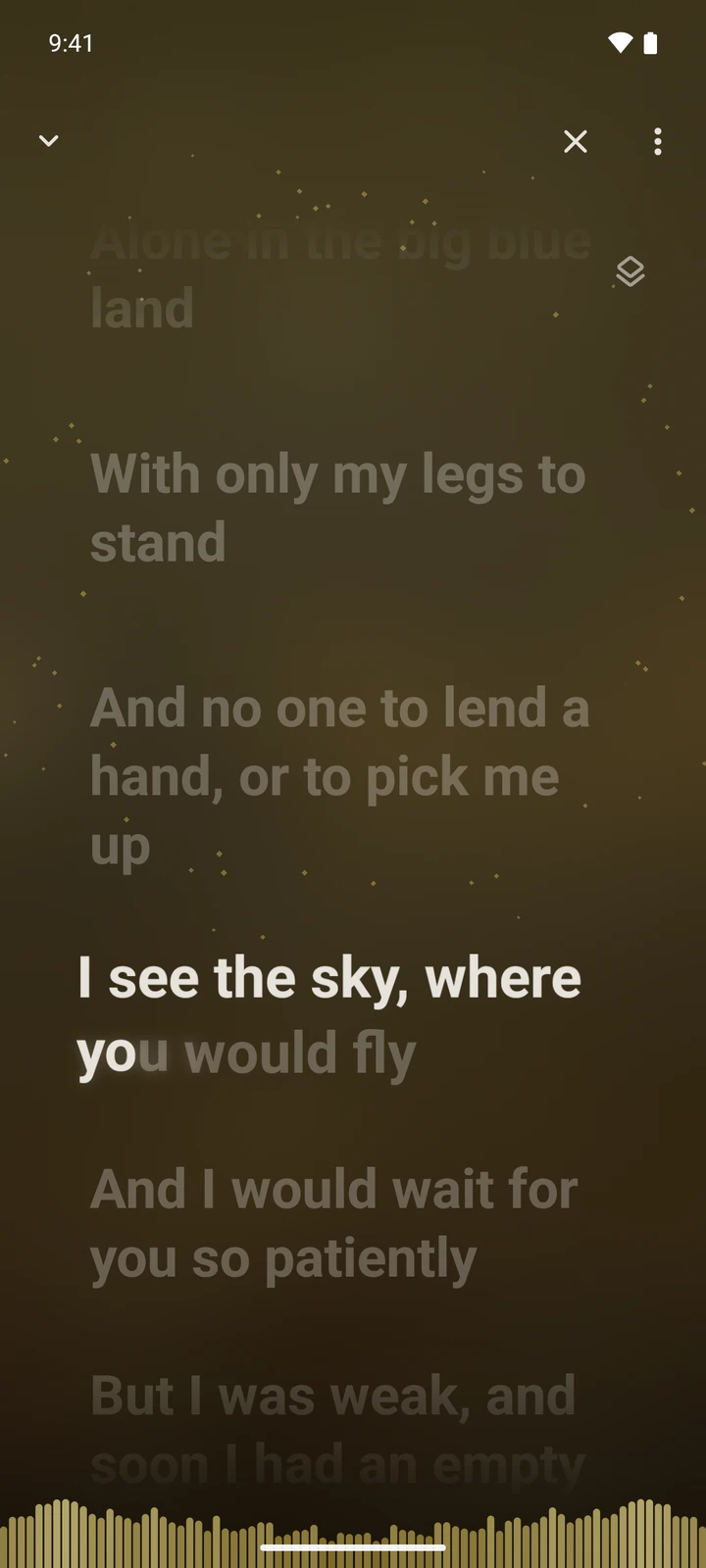
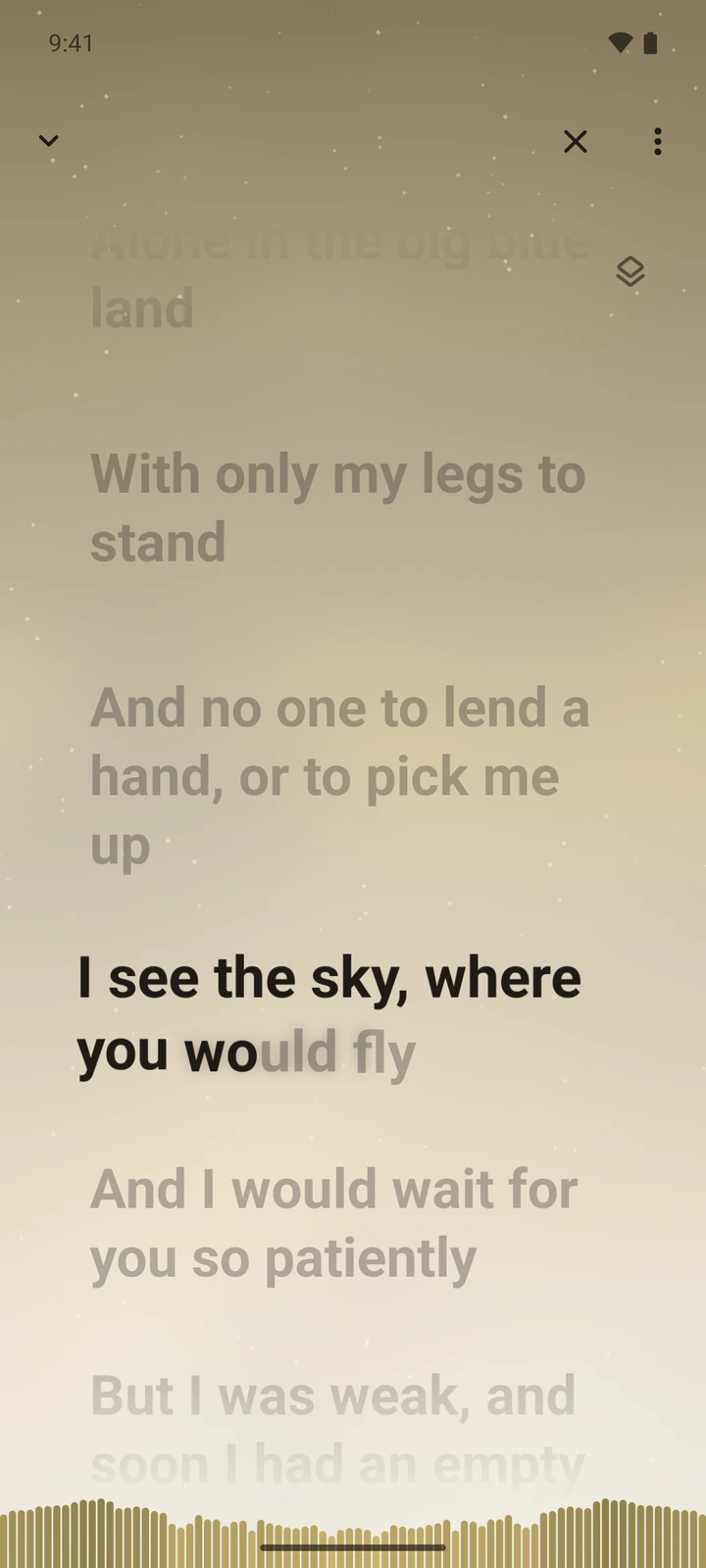
  • Synced lyrics
    Synced lyrics on Android, with the current line highlighted
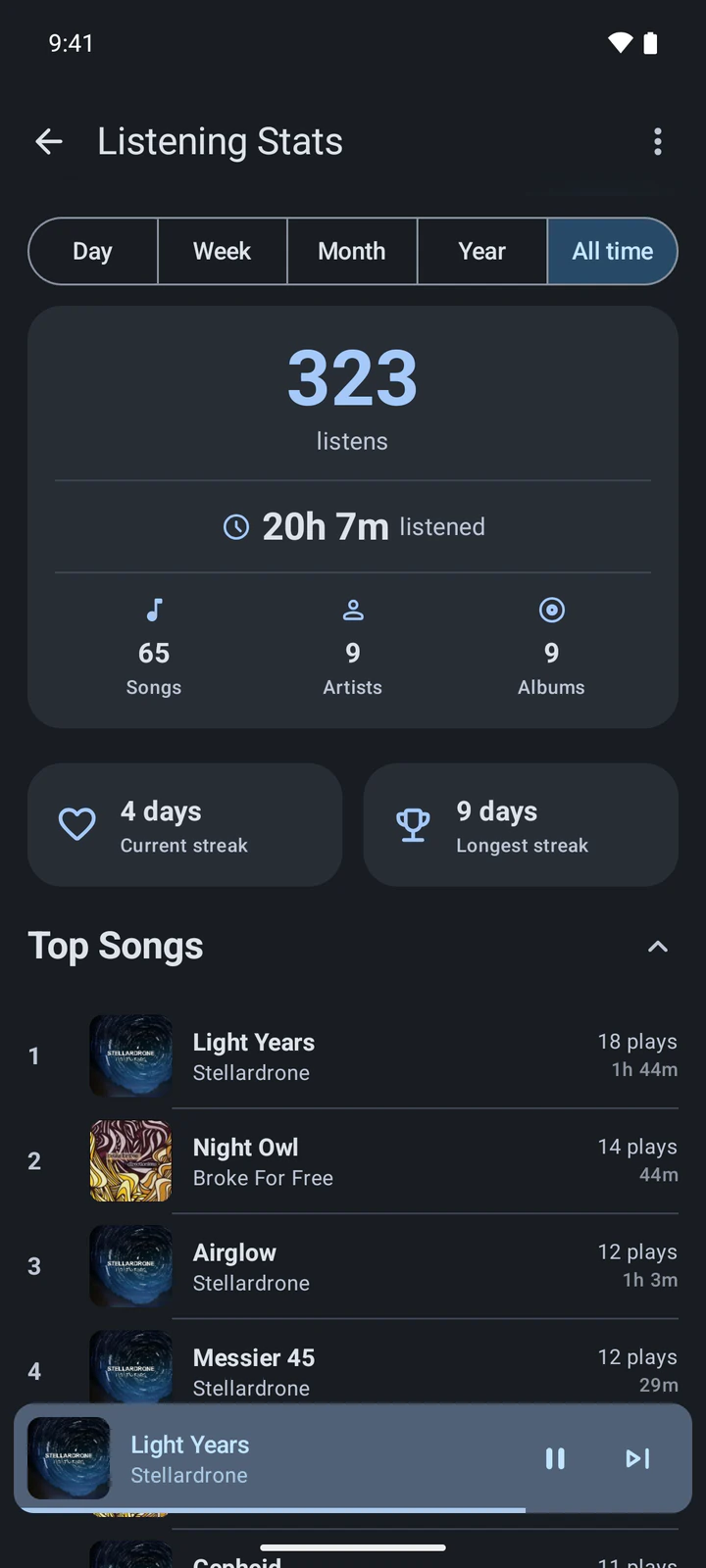
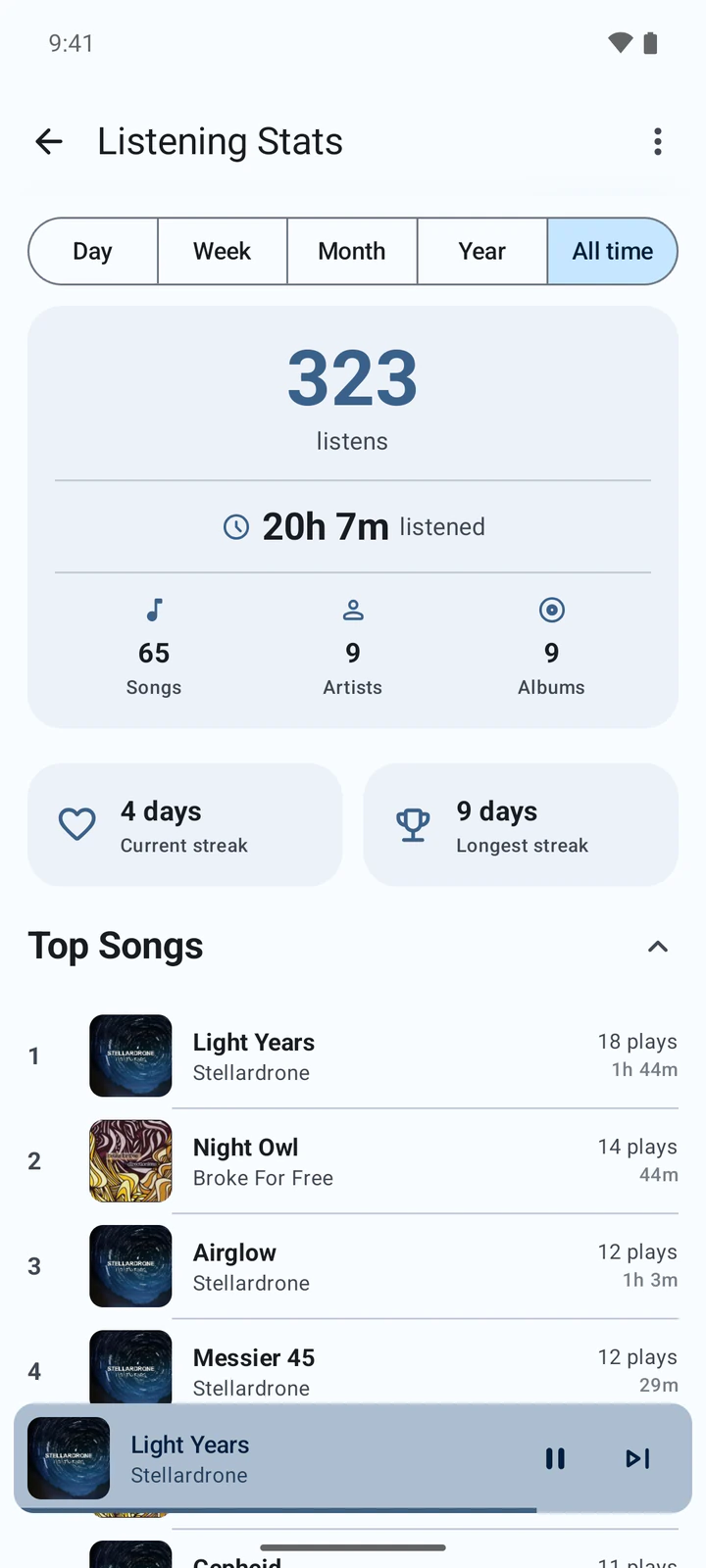
  • Listening stats
    Listening stats on Android for all time: listens, time listened, streaks and top songs

Connect, log in, listen

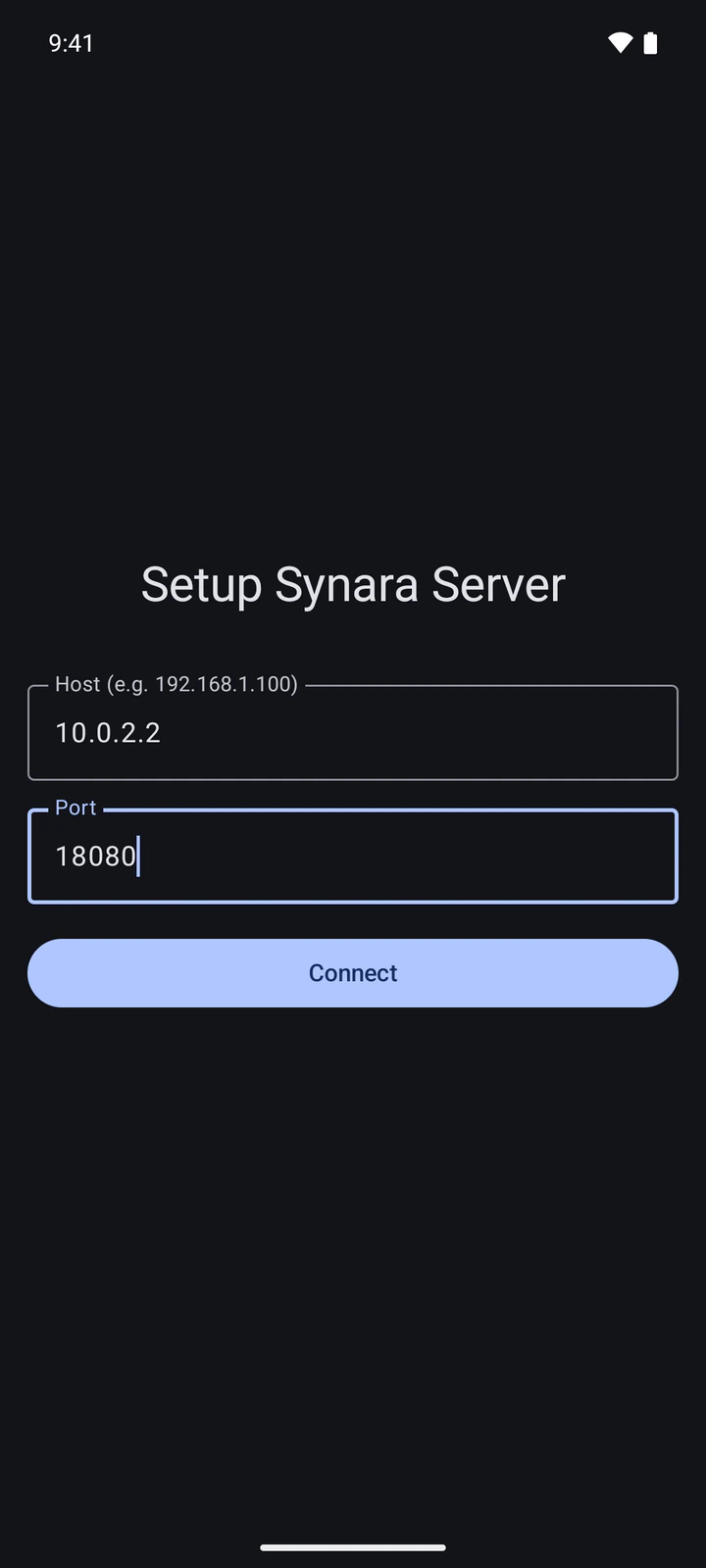
Open the app, enter your server's address and log in.

  1. 1Enter your server's address
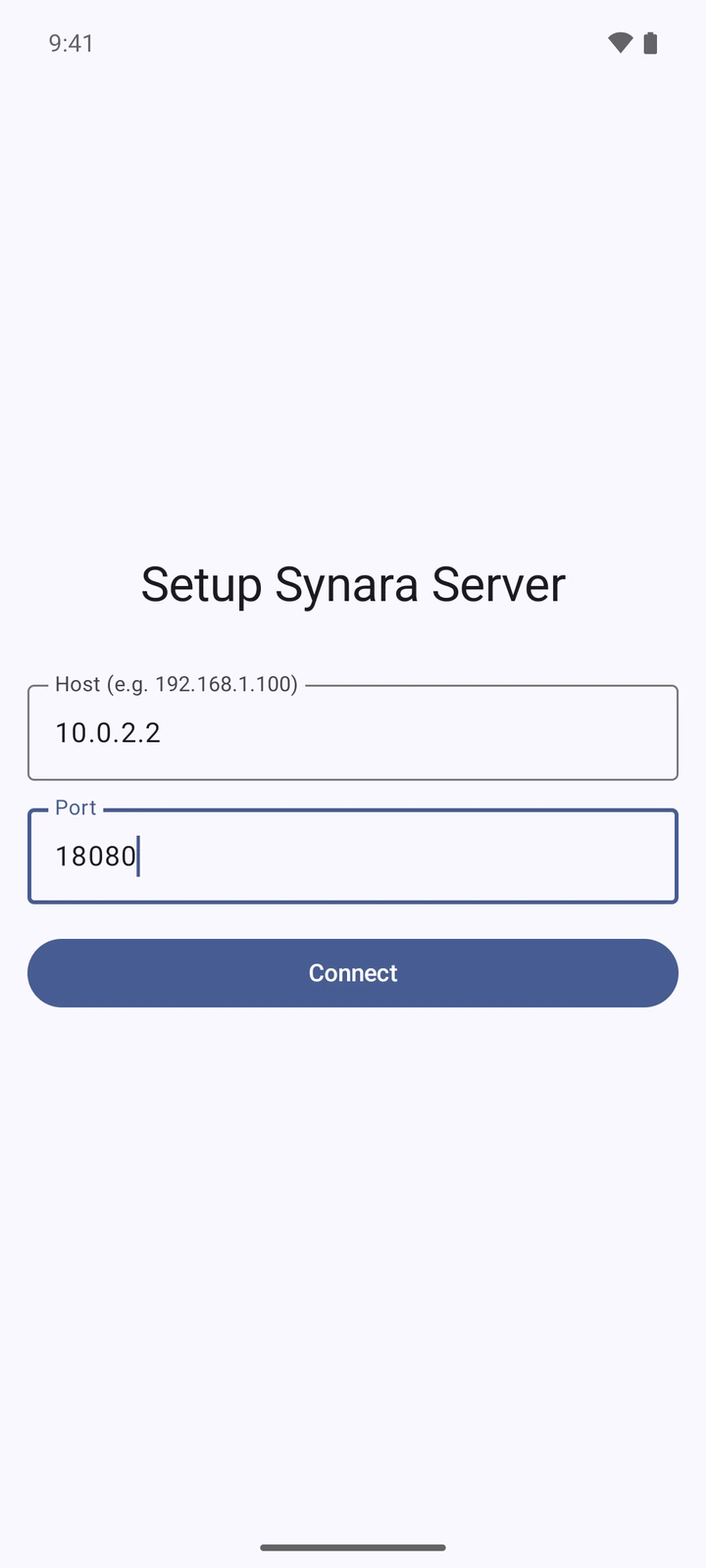
    The Setup Synara Server screen on Android with host and port fields
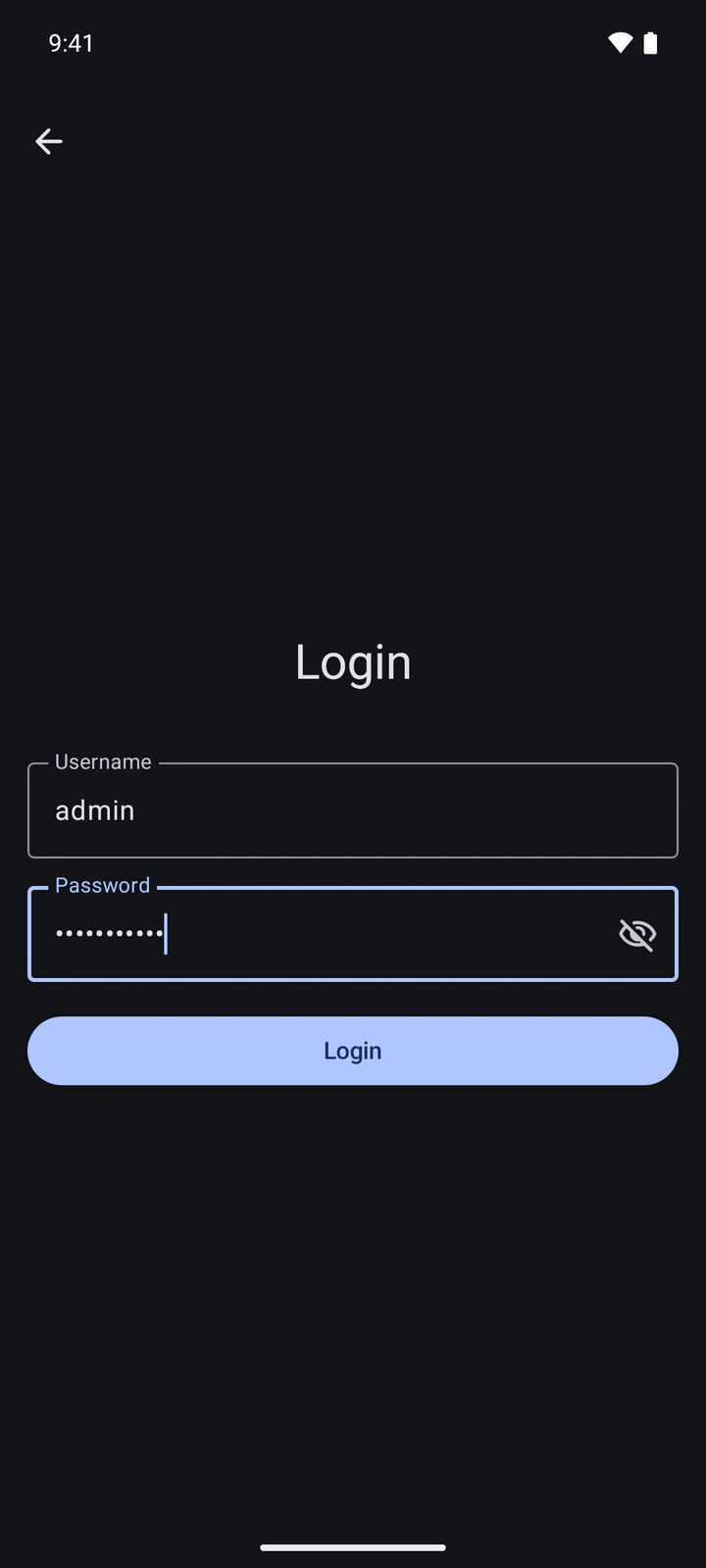
  2. 2Log in
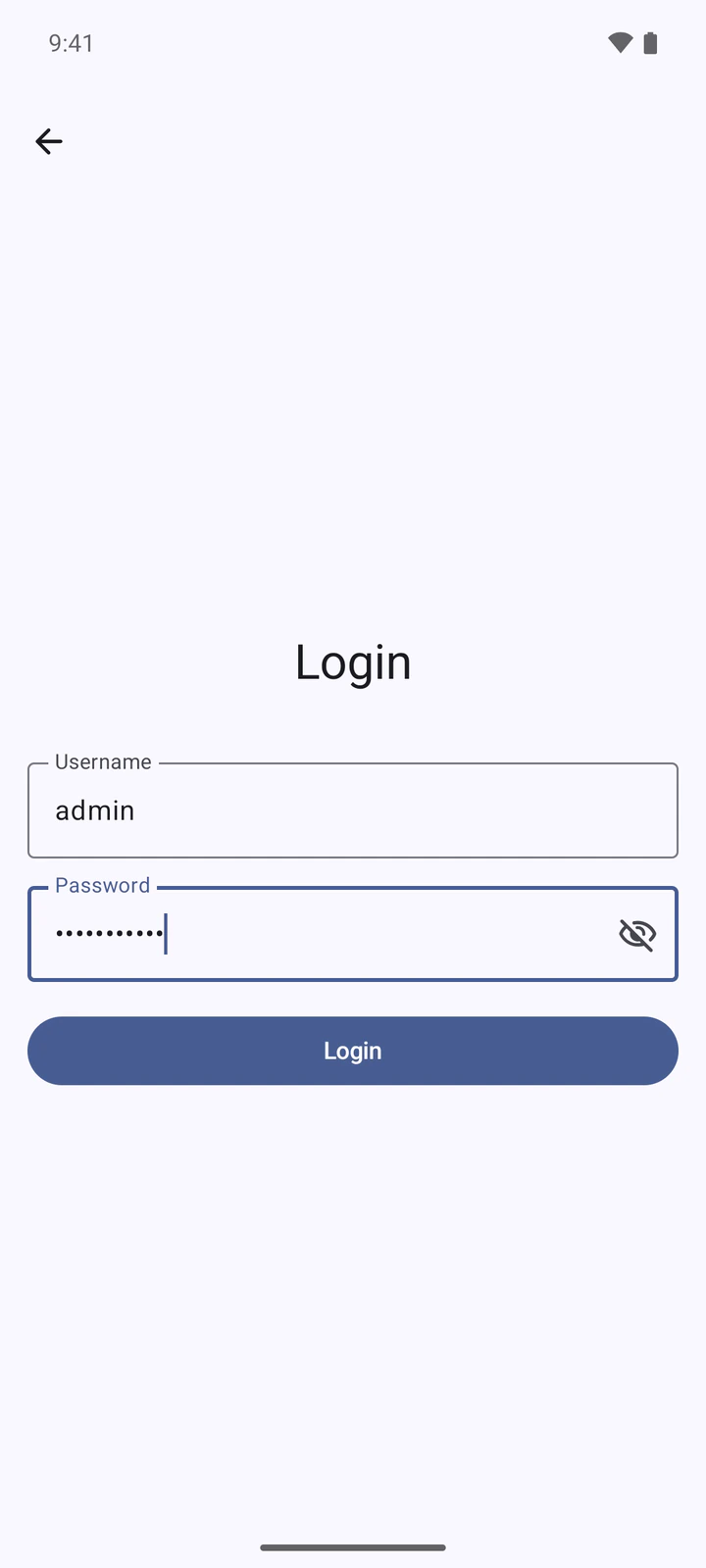
    The Login screen on Android with username and password fields
  3. 3Listen
    Synara on Android playing Light Years by Stellardrone
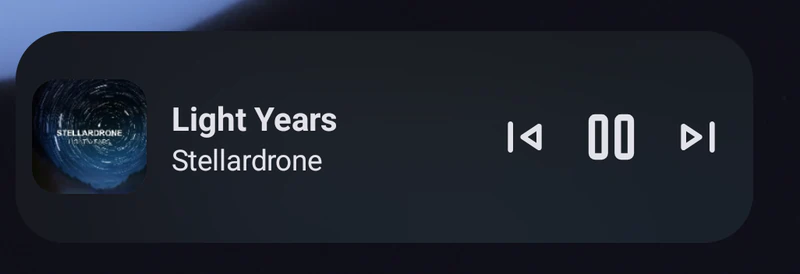
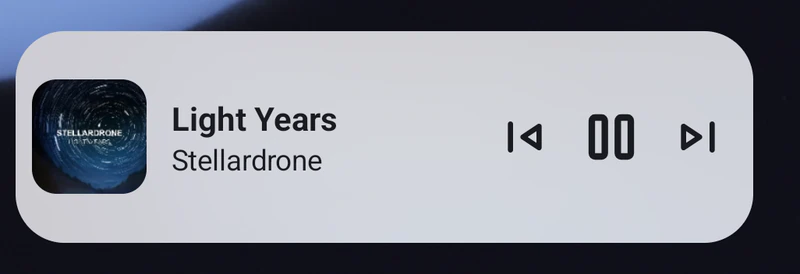
  • A home screen player widget
    The Synara player widget on an Android home screen showing Light Years by Stellardrone, with previous, pause and next buttons
  • Media controls
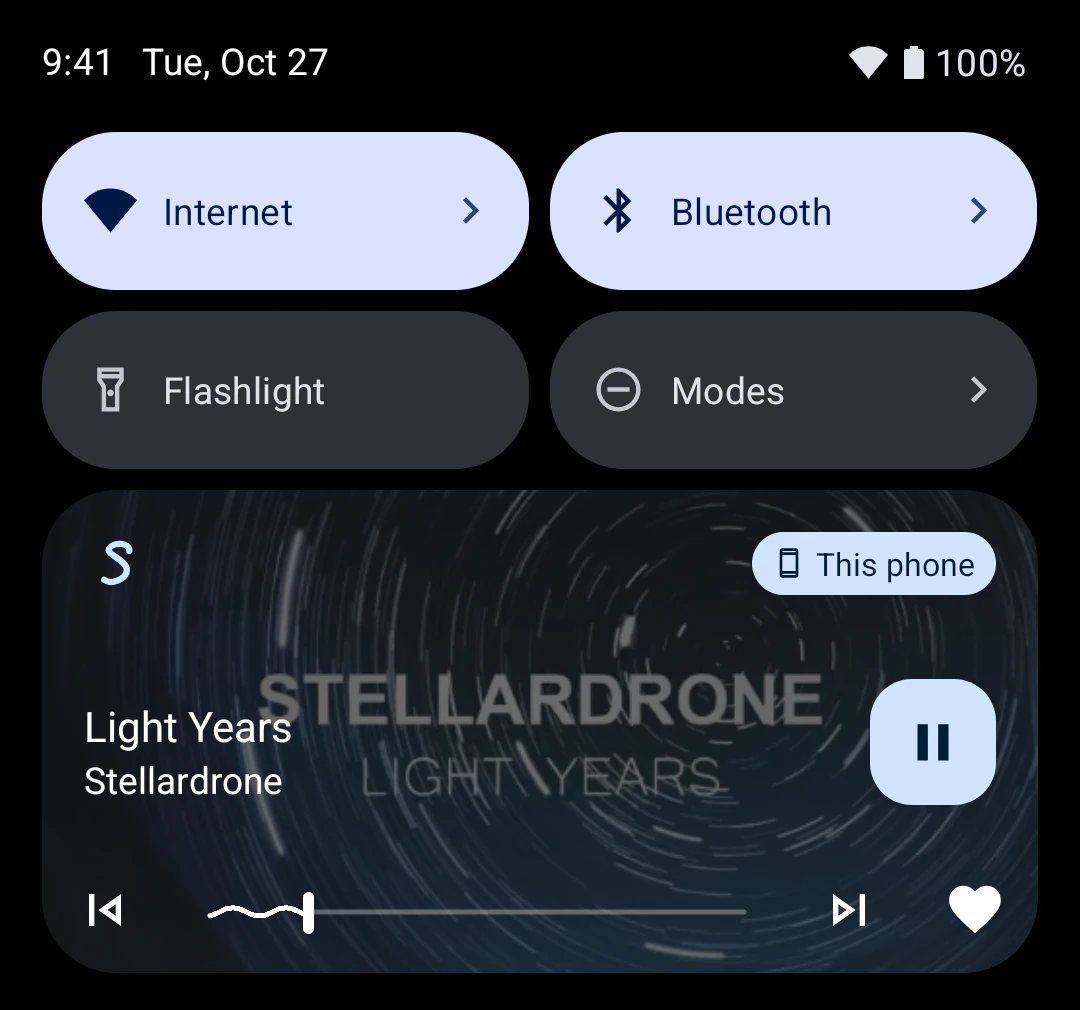
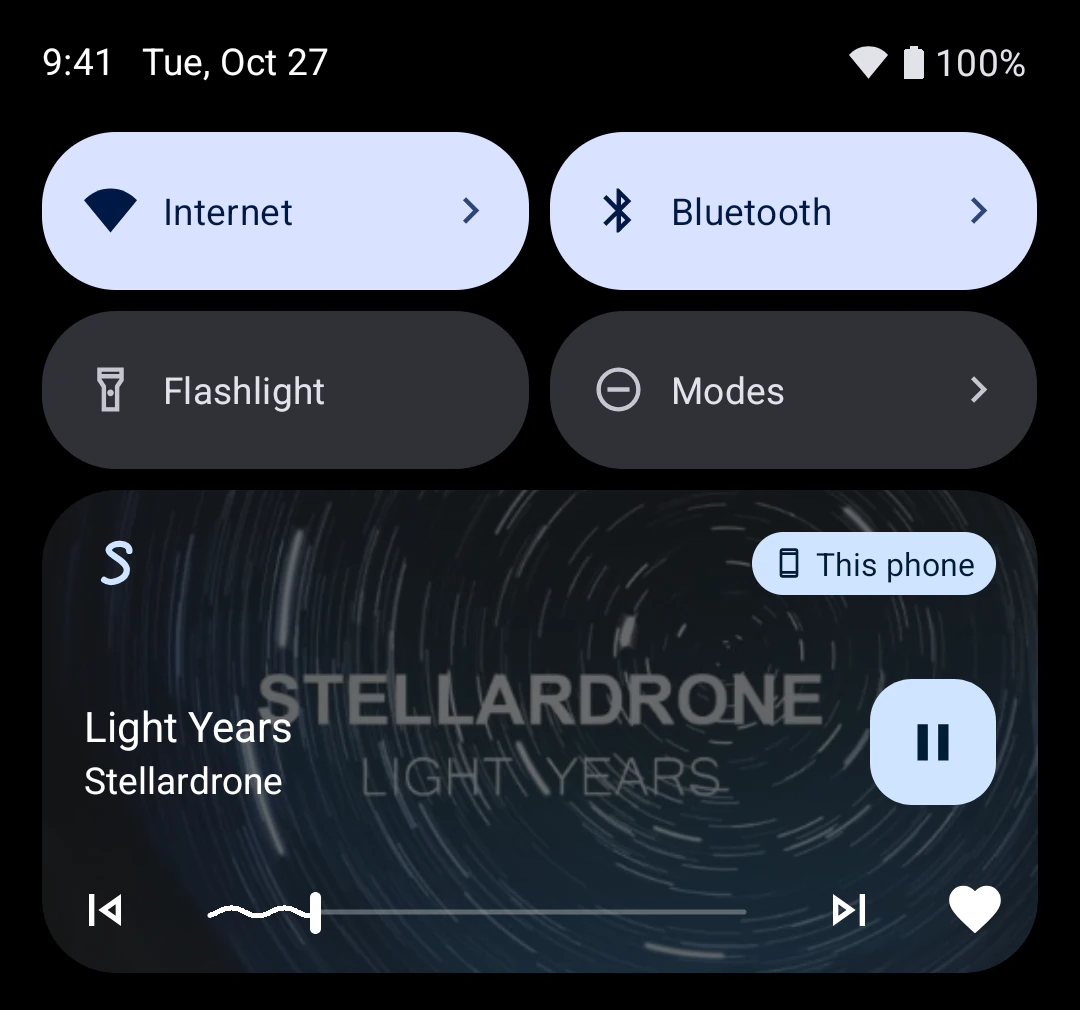
    Android quick settings with the Synara media controls for Light Years by Stellardrone

Synara for desktop

Linux and Windows (x64), macOS (Apple Silicon). Fullscreen visualizer and lyrics, Discord rich presence, and MPRIS plus a D-Bus API on Linux.

  • Linux (x64)
  • Windows (x64)
  • macOS (Apple Silicon)
DownloadDesktop
Desktop display Album
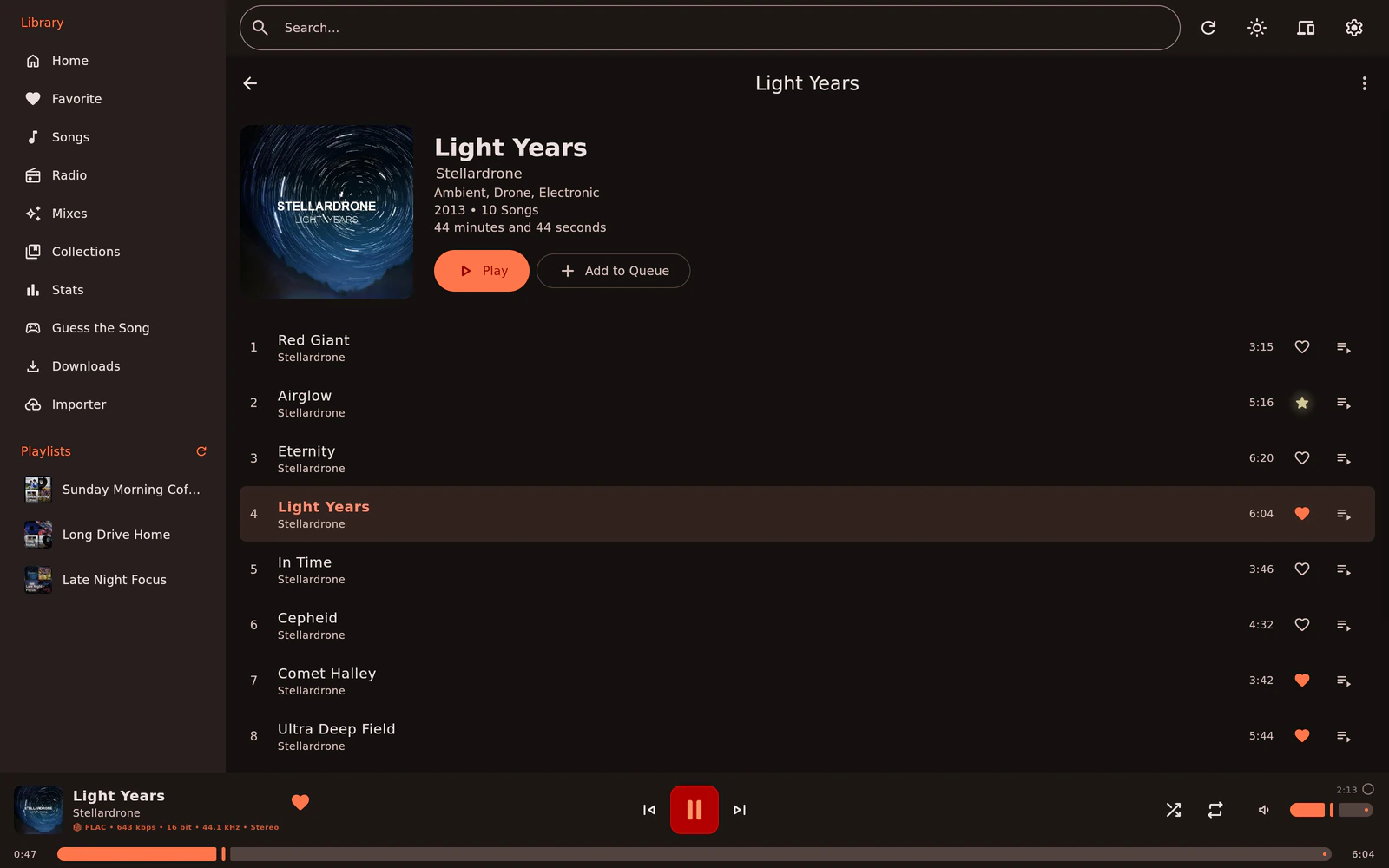
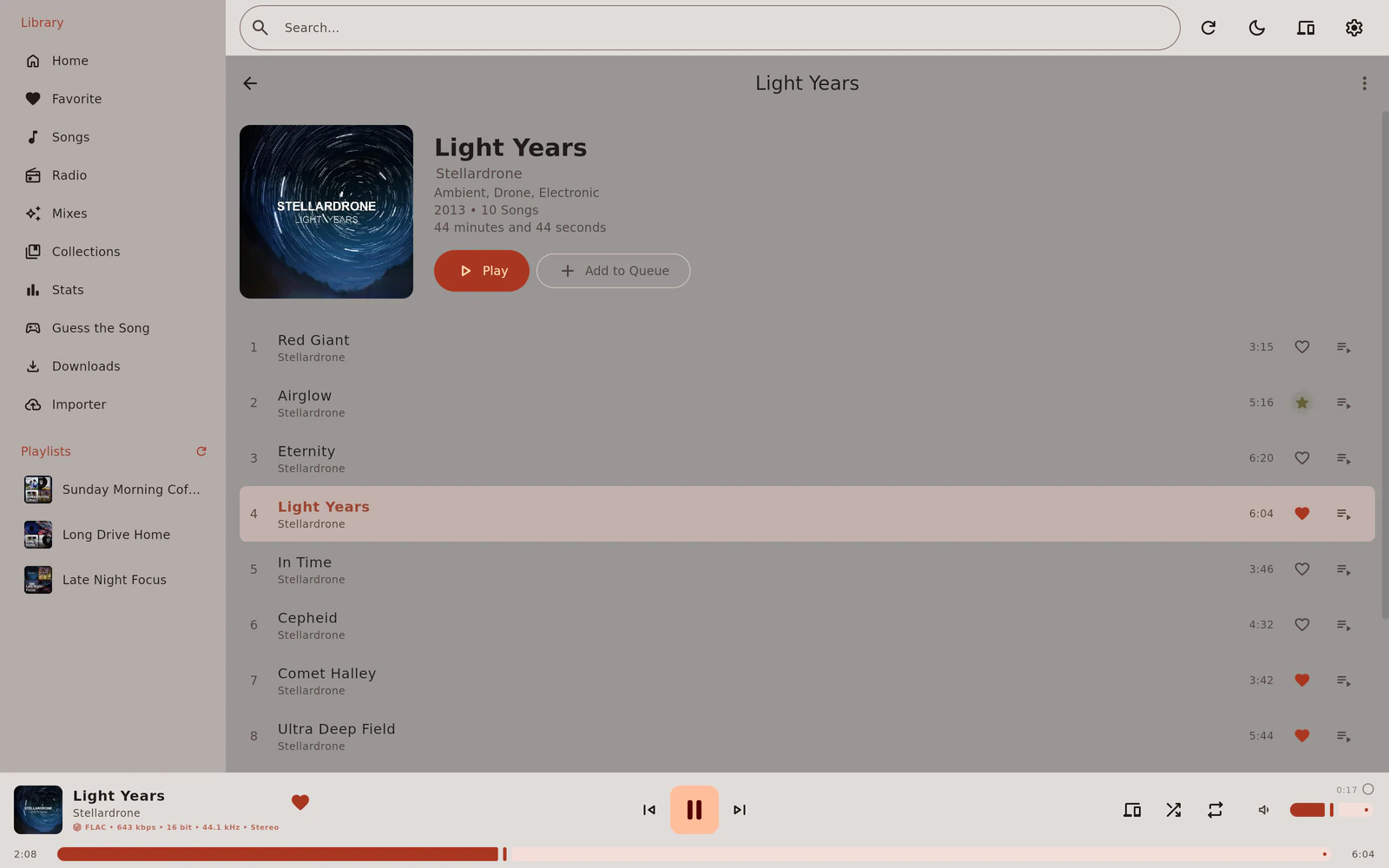
The Synara desktop app showing the Light Years album by Stellardrone, with the library sidebar and the player bar
  • Fullscreen visualizer and lyrics
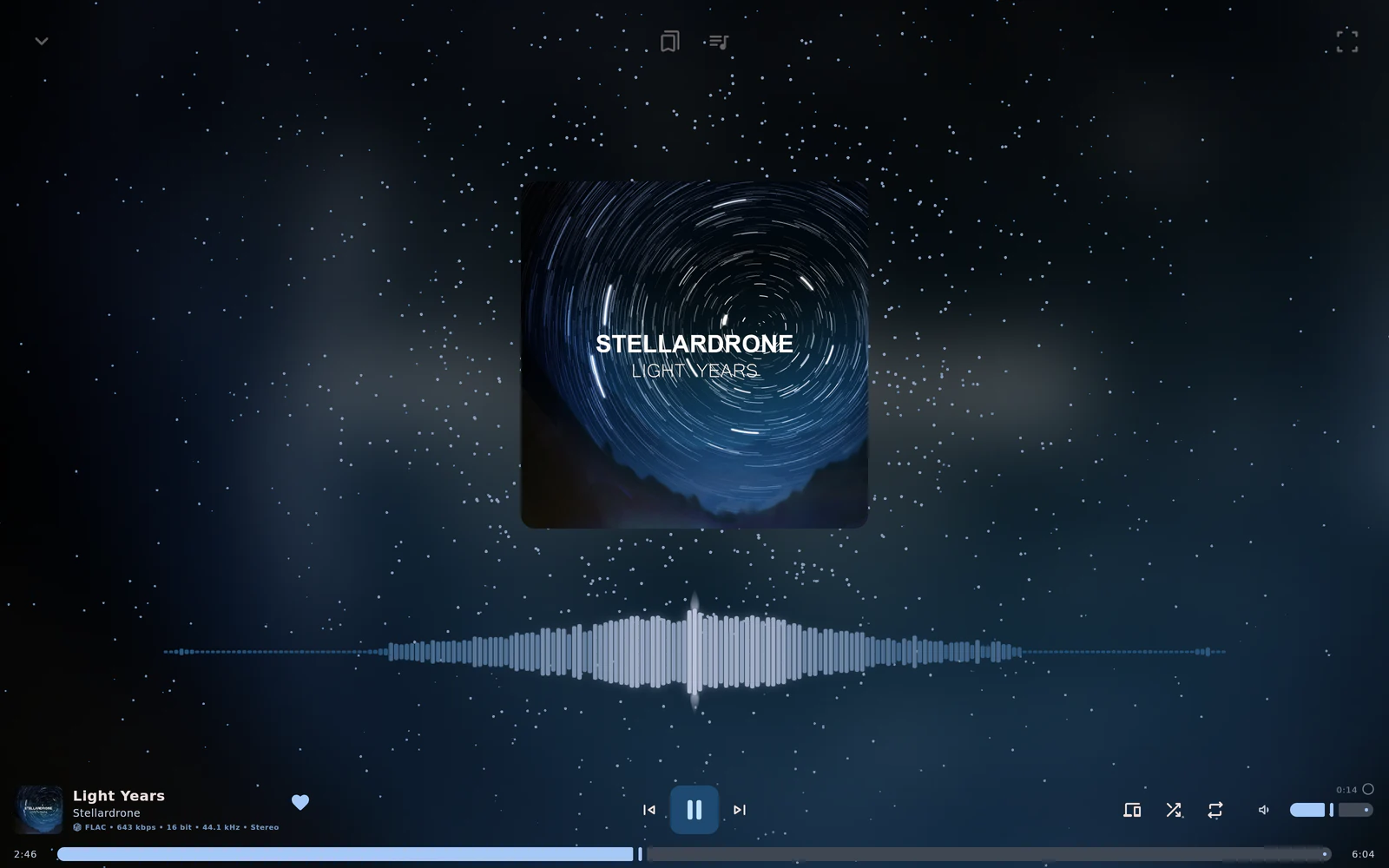
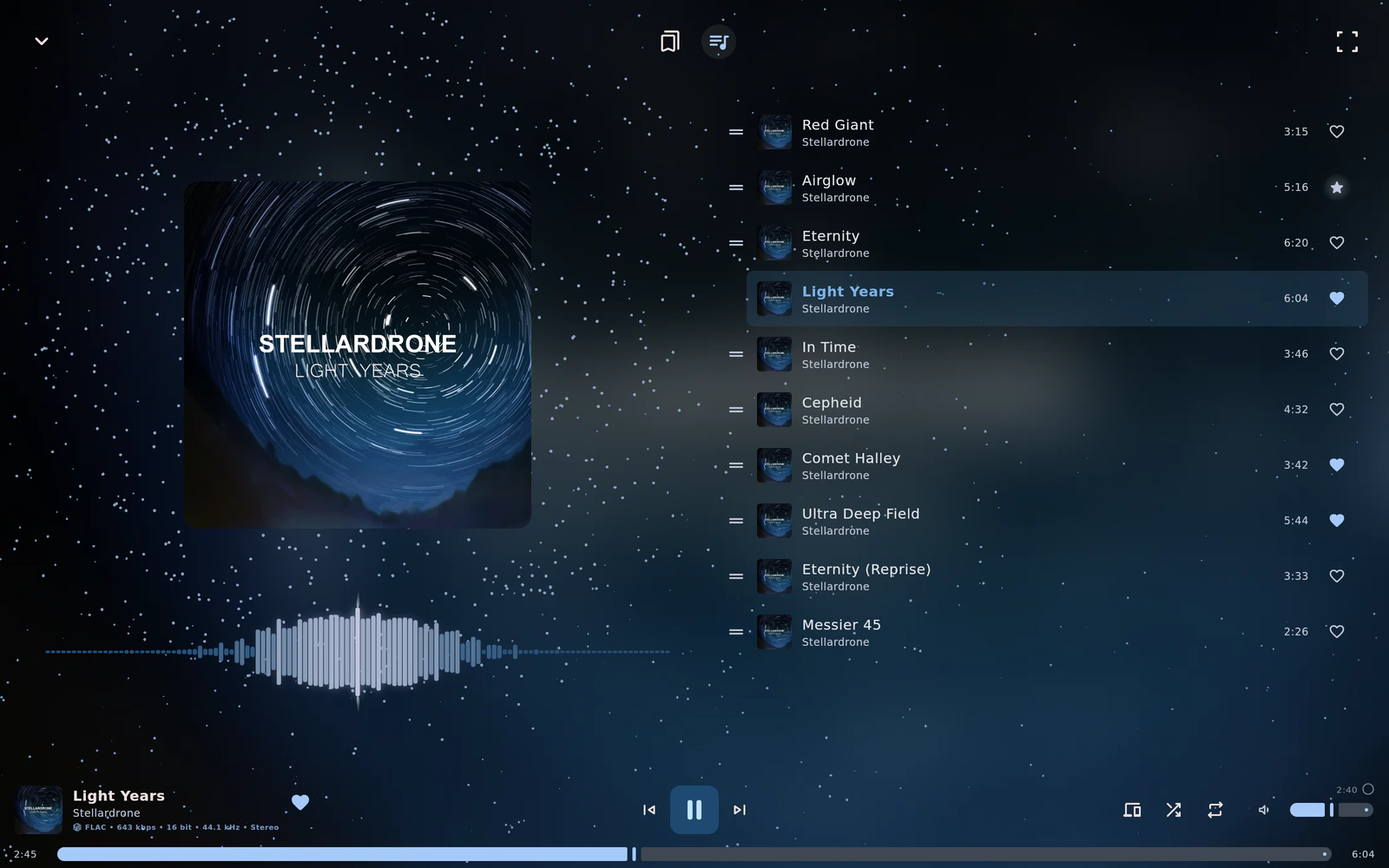
    The fullscreen player on desktop with the Light Years cover over a starfield and a waveform visualizer
  • Library
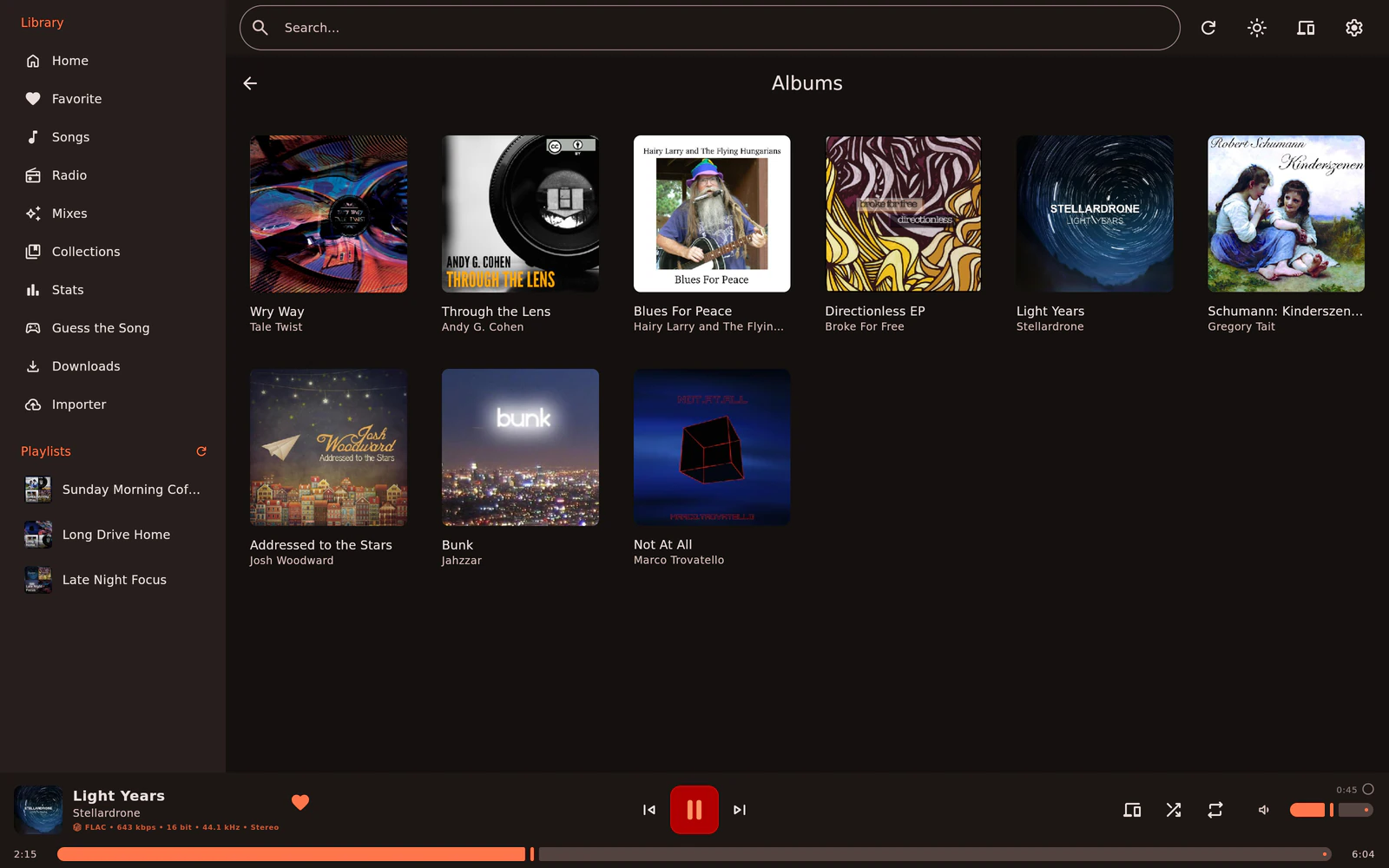
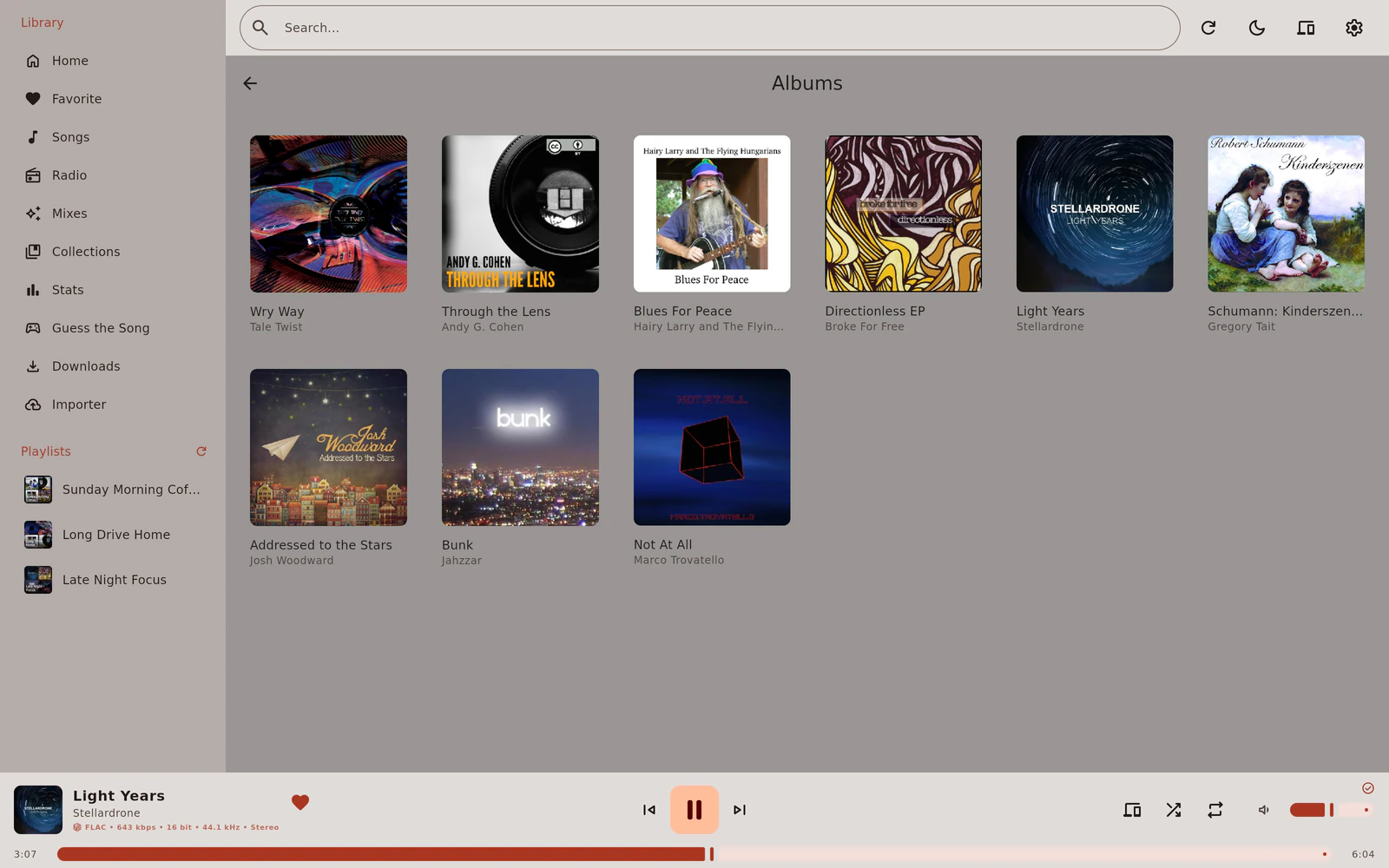
    The albums in the desktop library, shown as a grid of covers
  • Listening stats
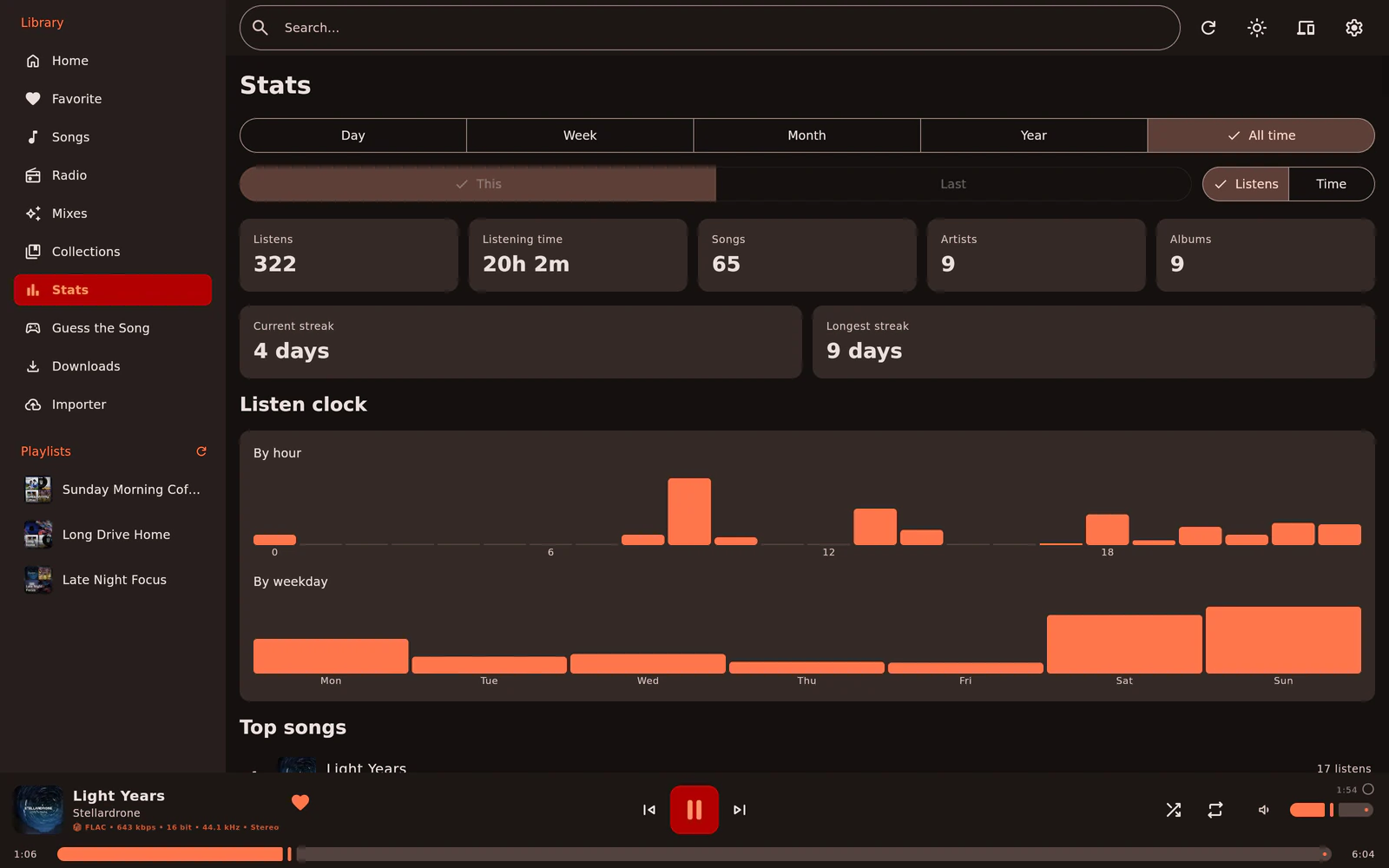
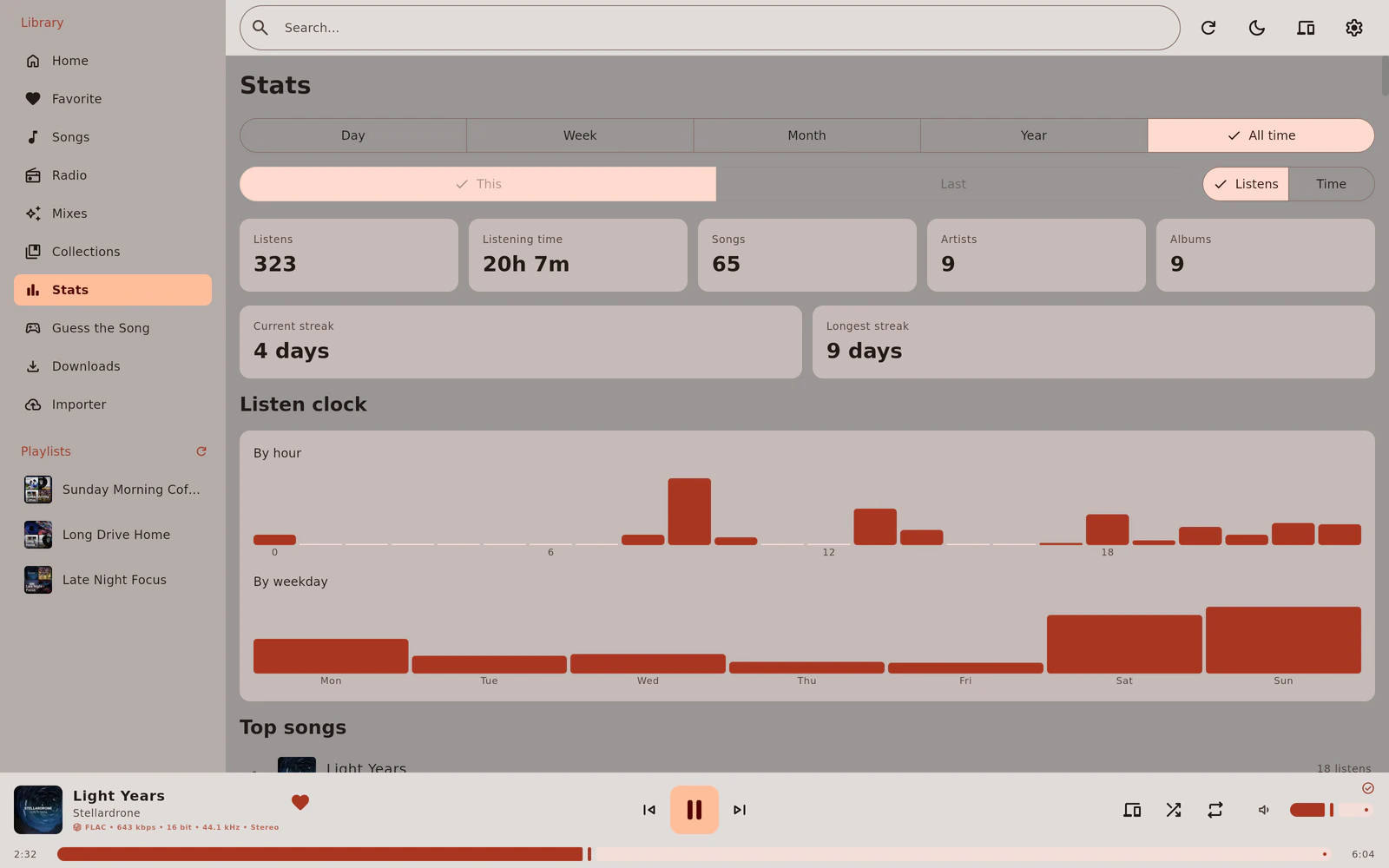
    Listening stats on desktop with totals, streaks and a listen clock by hour and weekday

Connect, log in, listen

Open the app, enter your server's address and log in.

  1. 1Enter your server's address
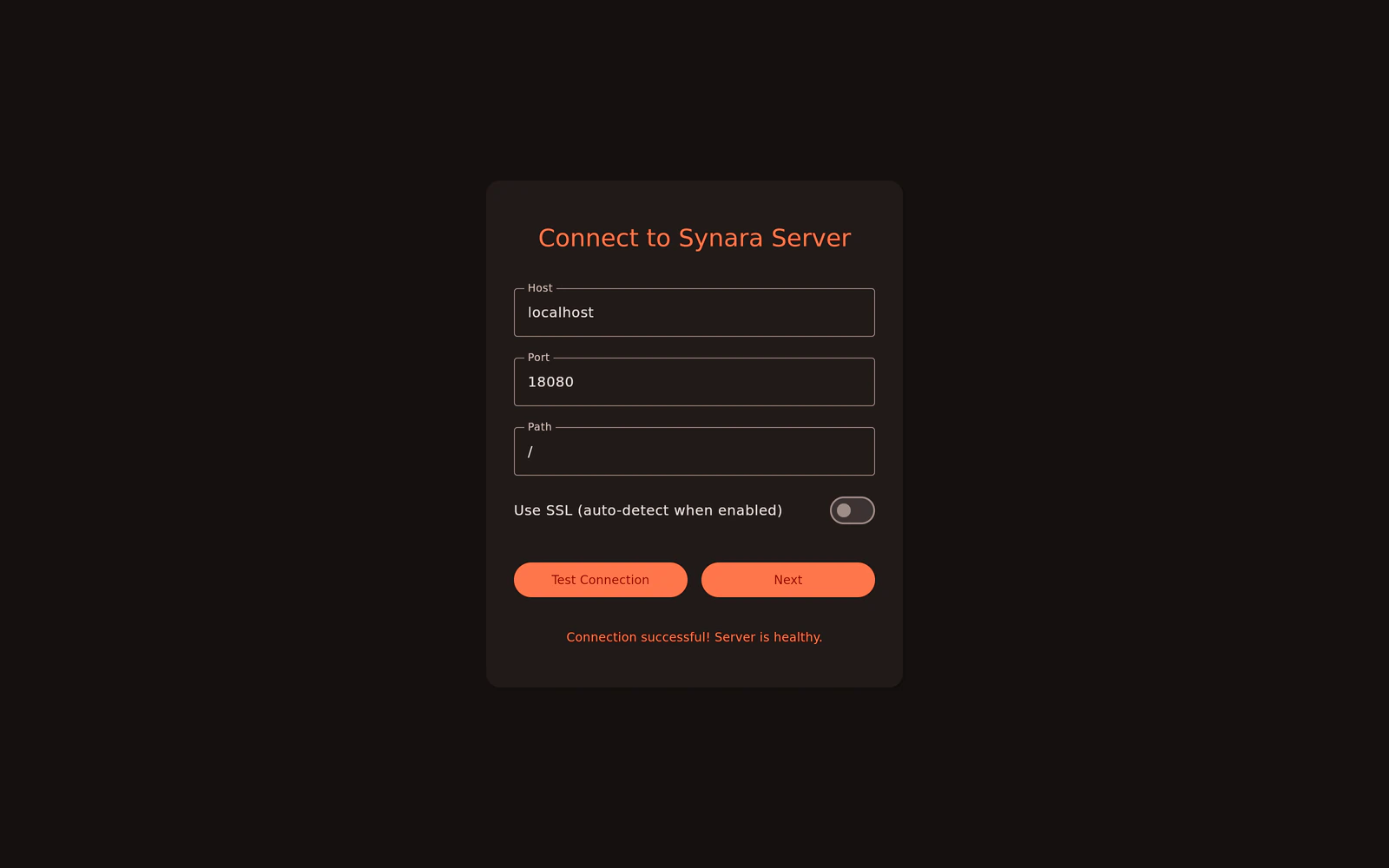
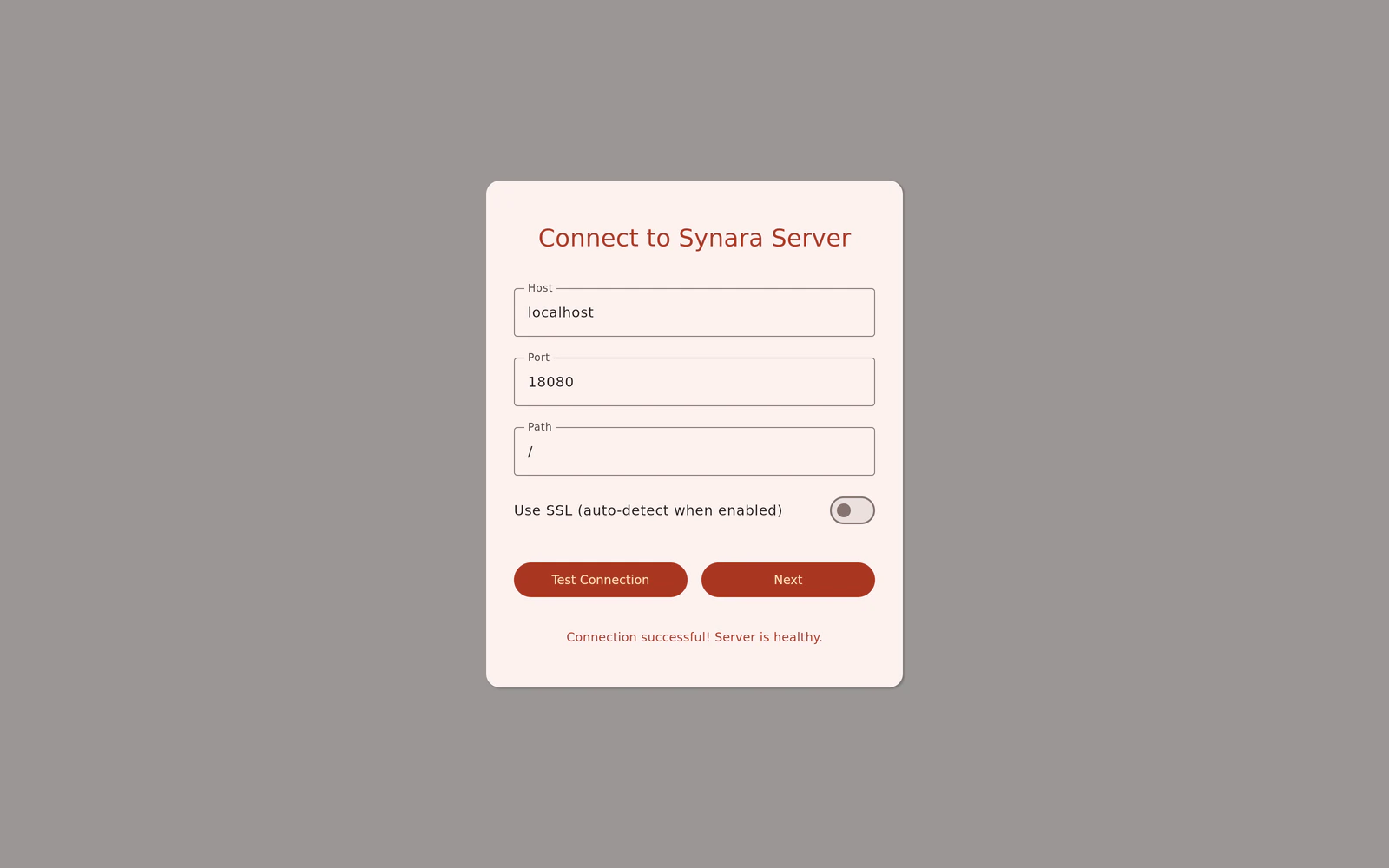
    The Connect to Synara Server dialog on desktop with host, port and path fields
  2. 2Log in
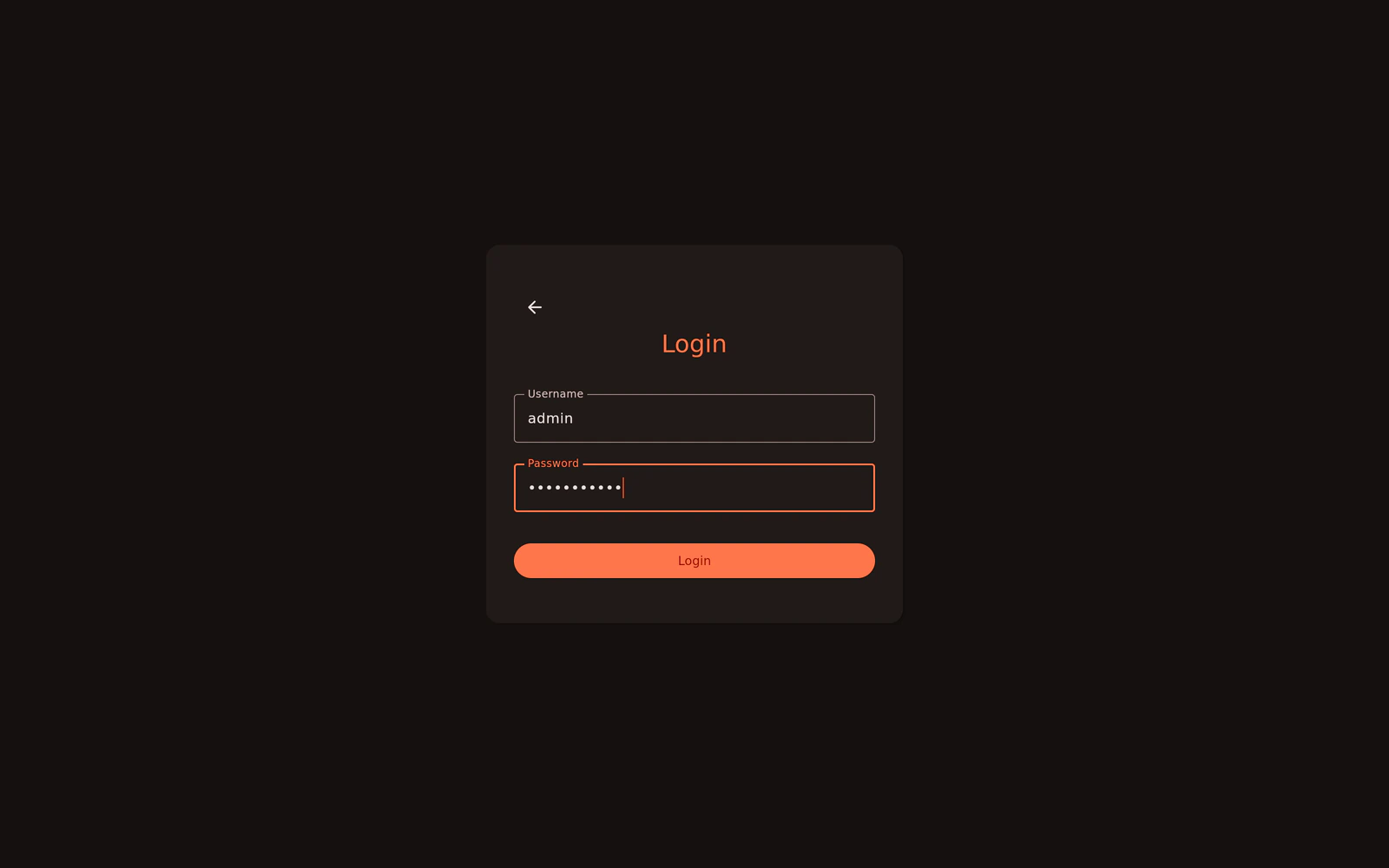
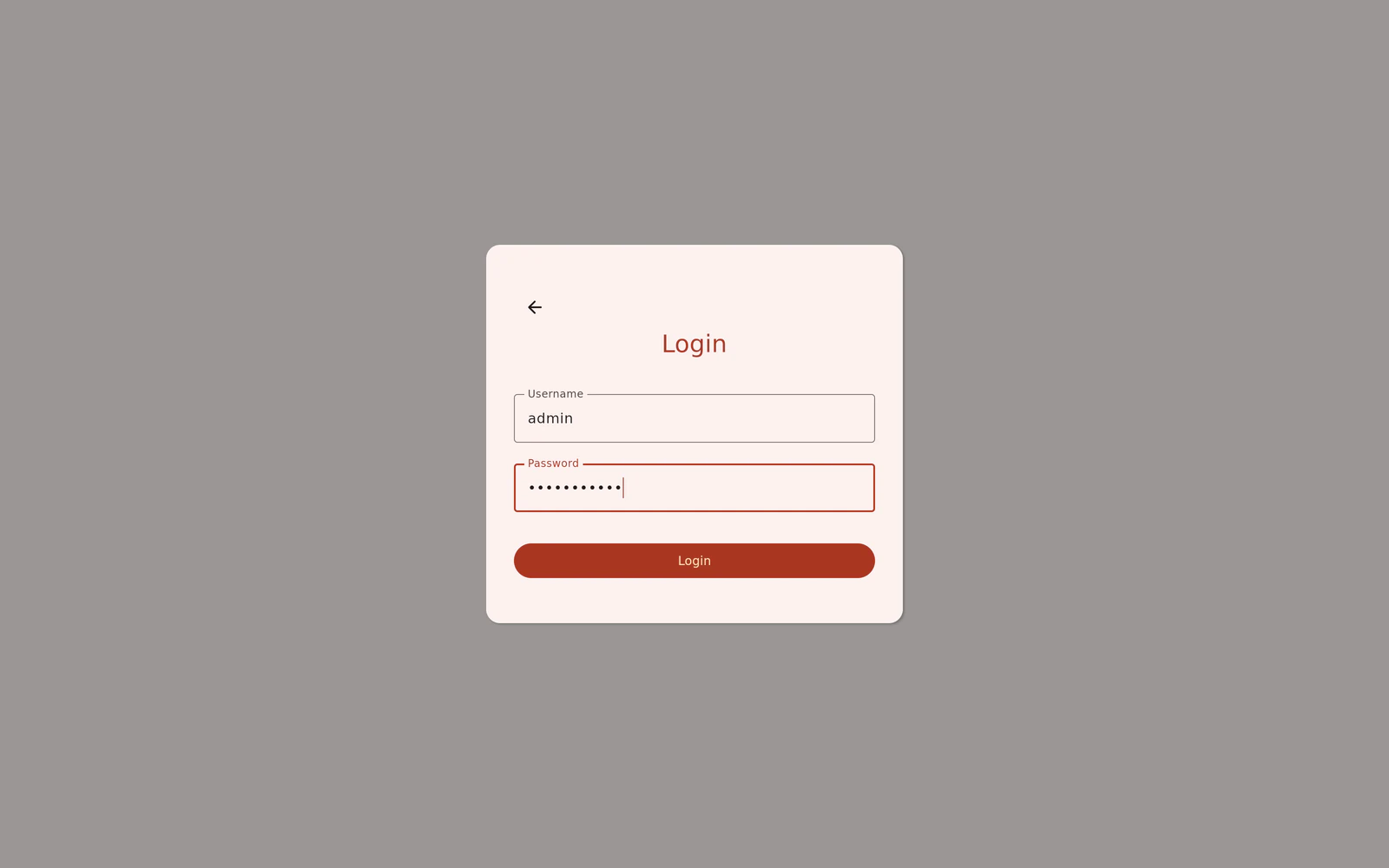
    The Login dialog on desktop with username and password fields
  3. 3Listen
    The Synara desktop app showing the Light Years album by Stellardrone
  • Synced lyrics
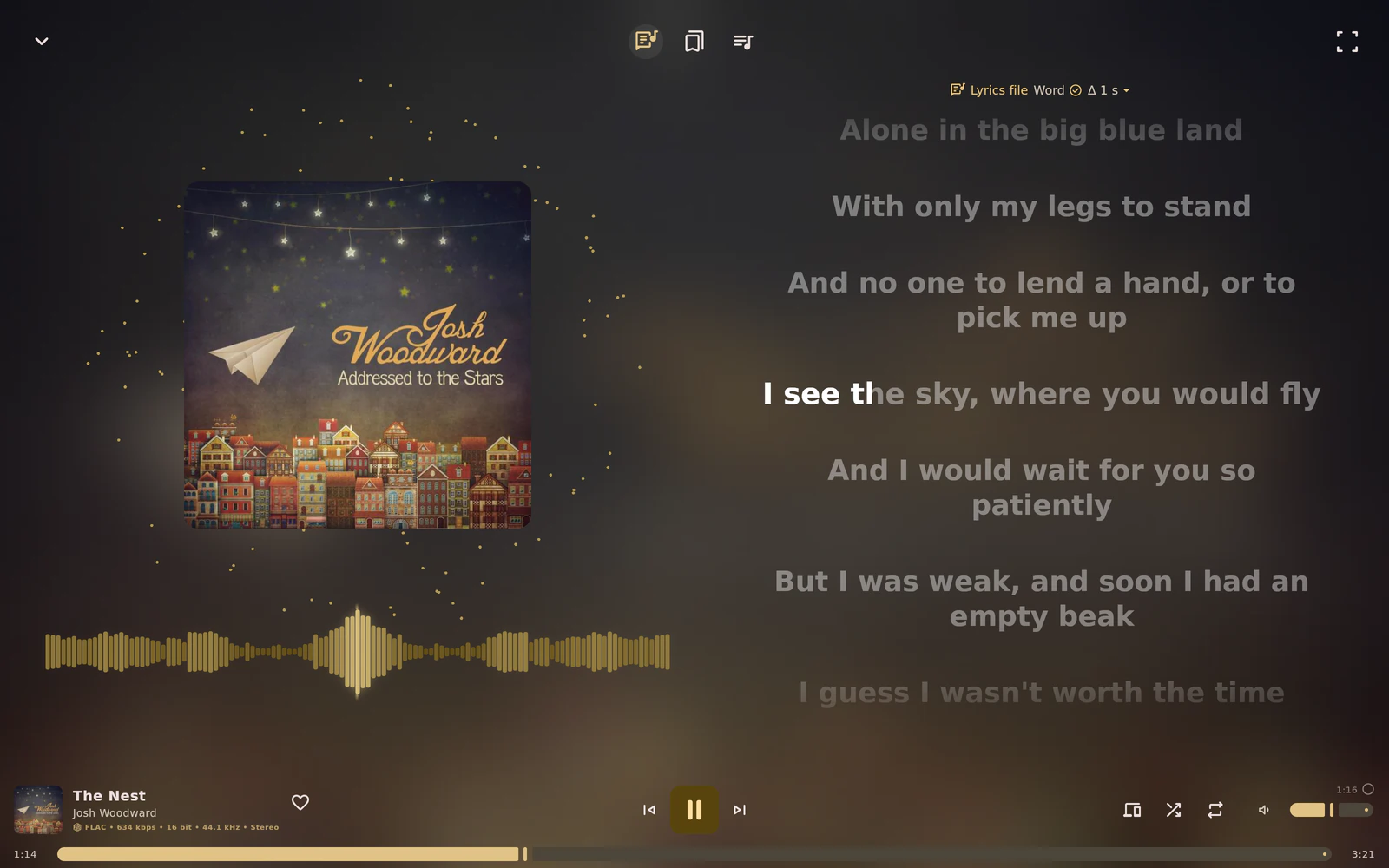
    Synced lyrics in the fullscreen player on desktop for The Nest by Josh Woodward
  • Queue
    The queue beside the Light Years cover in the fullscreen player on desktop

Apps

The apps are free. They connect to a Synara server you run yourself, so start there if you don't have one yet.

iPhone, iPad, Mac and more

Coming soon

Native apps for iPhone, iPad, Mac, Apple TV, Apple Watch and CarPlay are in the works.

  • iPhone
  • iPad
  • Mac
  • Apple TV
  • Apple Watch
  • CarPlay
Synara on iPhone playing Red Giant by Stellardrone, with the Light Years cover

Connect, log in, listen

Open the app, enter your server's address and log in.

  1. The Connect to Synara screen on iPhone with server host and port fields
    Enter your server's address
  2. The Sign In screen on iPhone with username and password fields
    Log in
  3. Synara on iPhone playing Red Giant by Stellardrone
    Listen

After you log in

The app asks how this device should work with your others. You can change this any time in Settings.

  • The Sync This Device sheet on iPhone with switches for Sync Queue, Sync settings and Sync scrobbler accounts, and a Turn On Sync button

    Sync This Device

    • Sync Queue

      Keeps the play queue the same on all your devices. While a device is playing, changes from another device show up as a banner instead of being applied right away.

      • iPhone
      • iPad
      • Mac
      • Desktop
    • Sync settings

      Keeps your preferences the same on every device signed in to this account.

      • iPhone
      • iPad
      • Mac
      • Desktop
    • Sync scrobbler accounts

      Encrypts your ListenBrainz and Last.fm credentials with a passphrase before they leave the device. You use the same passphrase on every device.

      • iPhone
      • iPad
      • Mac
      • Desktop
  • The Remote control sheet on iPhone with switches for Allow remote control and Lock screen controls, and a Continue button

    Remote control

    • Allow remote control

      Other devices signed in to your account can control playback on this device.

      Can be controlled
      • iPhone
      • iPad
      • Mac
      • Apple TV
      • Android
      • Desktop
      Controls other devices
      • iPhone
      • iPad
      • Mac
      • Apple Watch
      • Desktop
    • Lock screen controls

      The lock screen, Control Center and your headphone buttons show and control the device you're controlling. On the Mac this is called Media controls. On desktop the system media controls do the same (MPRIS on Linux, the Windows media controls, Now Playing on macOS).

      • iPhone
      • iPad
      • Mac
      • Desktop
  • The Optional features sheet on iPhone with switches for podcasts, Release Calendar, Weekly Recap and Monthly Recap, and a Continue button

    Optional features

    • Podcasts

      Adds podcasts to Library and Home with their own player, kept apart from your music.

      • iPhone
      • iPad
      • Mac
      • Apple Watch
      • Android
      • Desktop
    • Release Calendar

      Keeps upcoming releases in a dedicated Synara calendar and refreshes it daily.

      • iPhone
      • iPad
      • Mac
    • Weekly and Monthly Recap

      Your top artist and track of the past week on Monday mornings, and of the past month on the 1st.

      • iPhone
      • iPad
      • Android
  • The Synara Home Screen widget on iPhone showing The Nest by Josh Woodward, with play and skip buttons

    Home Screen widget

  • Synara on Apple Watch playing My Luck by Broke For Free

    Apple Watch

Synara for Android

Android 12 and newer. Offline downloads, a home screen player widget and a sleep timer.

  • Android 12 and newer
Synara on Android playing Light Years by Stellardrone

Connect, log in, listen

Open the app, enter your server's address and log in.

  1. The Setup Synara Server screen on Android with host and port fields
    Enter your server's address
  2. The Login screen on Android with username and password fields
    Log in
  3. Synara on Android playing Light Years by Stellardrone
    Listen
  • The Synara player widget on an Android home screen showing Light Years by Stellardrone, with previous, pause and next buttons

    A home screen player widget

  • Android quick settings with the Synara media controls for Light Years by Stellardrone

    Media controls

Synara for desktop

Linux and Windows (x64), macOS (Apple Silicon). Fullscreen visualizer and lyrics, Discord rich presence, and MPRIS plus a D-Bus API on Linux.

  • Linux (x64)
  • Windows (x64)
  • macOS (Apple Silicon)
The Synara desktop app showing the Light Years album by Stellardrone, with the library sidebar and the player bar

Connect, log in, listen

Open the app, enter your server's address and log in.

  1. The Connect to Synara Server dialog on desktop with host, port and path fields
    Enter your server's address
  2. The Login dialog on desktop with username and password fields
    Log in
  3. The Synara desktop app showing the Light Years album by Stellardrone
    Listen
  • Synced lyrics in the fullscreen player on desktop for The Nest by Josh Woodward

    Synced lyrics

  • The queue beside the Light Years cover in the fullscreen player on desktop

    Queue

Demo content

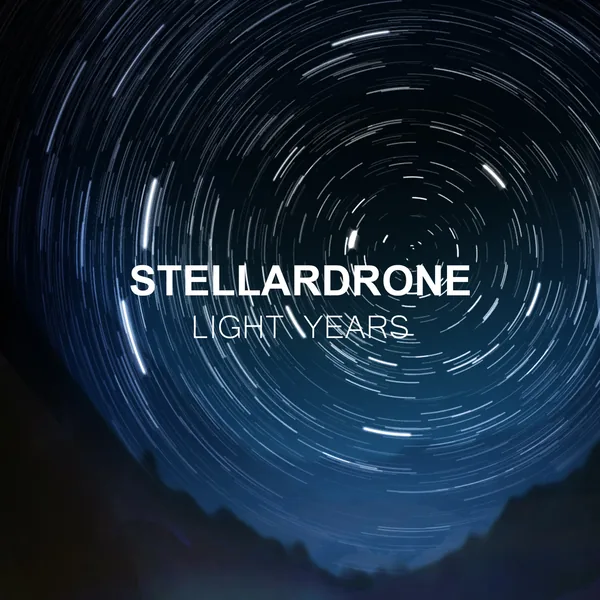
The screenshots show the apps connected to a demo server. The music on it is licensed under Creative Commons, and these are the albums whose covers appear above.